
Handleiding
Je bekijkt pagina 43 van 59
4
5. If you have changed the default parental control PIN, enter it
now.
The TV displays, “Select Reset to restore all TV settings to
factory defaults and clear all account information.”
6. Highlight Reset and press OK.
7. :DLWIRUWKH79WRWXUQR7KH79ZLOOWXUQEDFNRQVKRUWO\
afterward and the Setup App will begin.
USING THE RESET & ADMIN MENU
You can use the TV’s Reset & Admin menu to restore the TV to its
factory default settings.
Restoring the TV to Factory Default Settings
All of the on-screen menu settings can be reset to the factory
defaults.
If you restore the TV to the factory default settings, all
changes you have made to the settings will be lost!
This includes any V.I.A. Plus Apps that you have added
and any changes you have made to the settings for
those Apps.
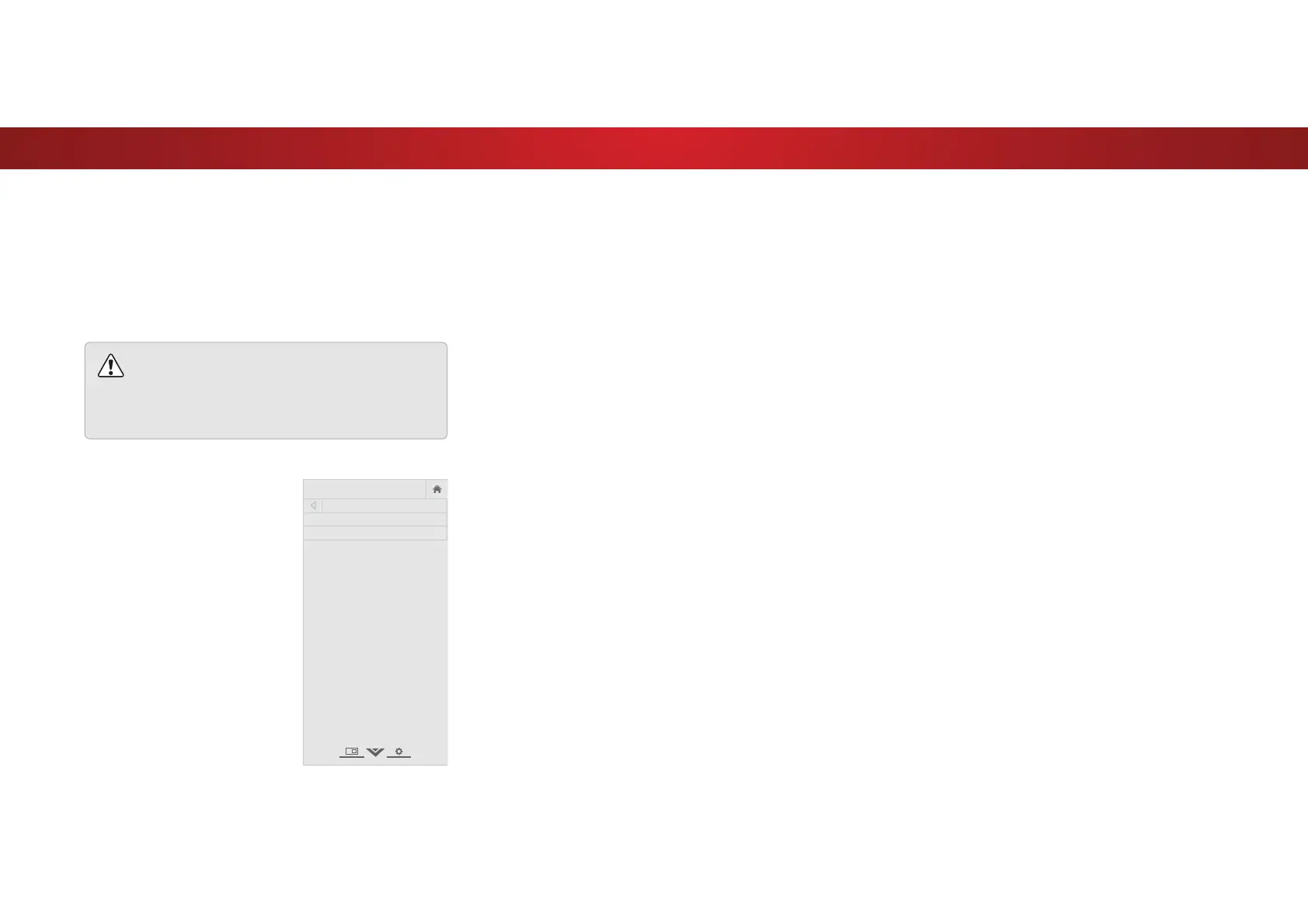
To restore the TV to its factory default settings:
1. Press the MENU button on the
remote. The on-screen menu is
displayed.
2. Use the Arrow buttons on the
remote to highlight System and
press OK. The SYSTEM menu is
displayed.
3. Highlight Reset & Admin and
press OK. The RESET & ADMIN
menu is displayed.
4. Highlight Reset TV to Factory
Defaults and press OK.
VIZIO
RESET & ADMIN
Reset TV to Factory Defaults
Store Demo
43
Bekijk gratis de handleiding van Vizio D39HN-E0, stel vragen en lees de antwoorden op veelvoorkomende problemen, of gebruik onze assistent om sneller informatie in de handleiding te vinden of uitleg te krijgen over specifieke functies.
Productinformatie
| Merk | Vizio |
| Model | D39HN-E0 |
| Categorie | Televisie |
| Taal | Nederlands |
| Grootte | 9341 MB |
Caratteristiche Prodotto
| Kleur van het product | Zwart |
| Gewicht verpakking | 9198 g |
| Breedte verpakking | 975 mm |
| Diepte verpakking | 127 mm |
| Hoogte verpakking | 615 mm |


