
Handleiding
Je bekijkt pagina 31 van 59
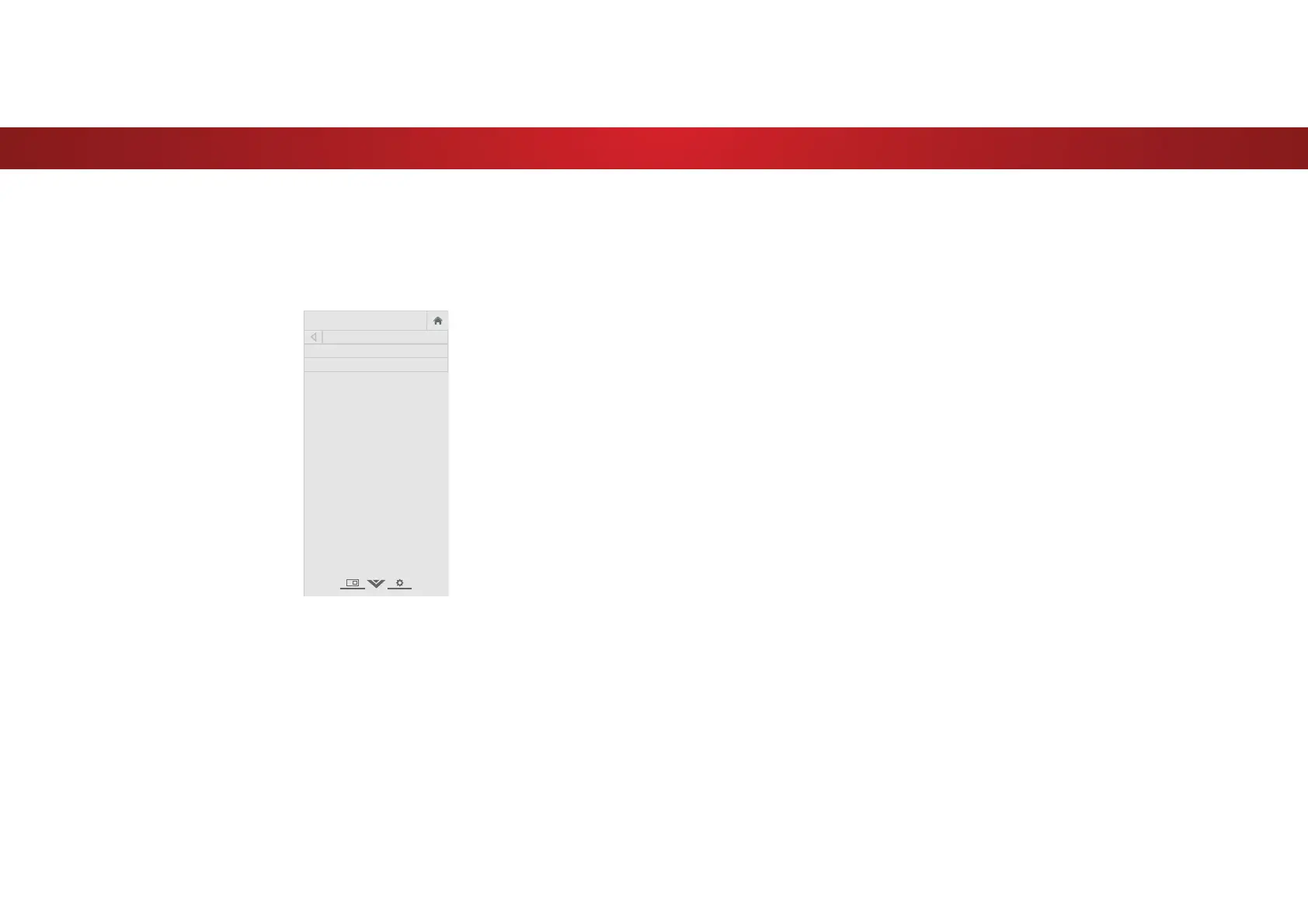
4
SETTING TIMERS
Setting the Sleep Timer
:KHQDFWLYDWHGWKH79ȇVVOHHSWLPHUZLOOWXUQWKH79RDIWHUDVHW
period of time.
1. Press the MENU button on the
remote. The on-screen menu is
displayed.
2. Use the Arrow buttons on the
remote to highlight Timers and
press OK. The TIMERS menu is
displayed.
3. Use the Left/Right Arrow
buttons on the remote to
highlight the period of time after
which you want the TV to go to
sleep: 30, 60, 90, 120, or 180
minutes. If you don’t want the
sleep timer to activate, change
the setting to 2.
4. :KHQ\RXKDYHȴQLVKHGVHWWLQJ
the sleep timer, press the EXIT
button on the remote.
VIZIO
TIMERS
Sleep Timer Off
Auto Power Off 10 minutes
6HWWLQJWKH$XWR3RZHU2)HDWXUH
7R KHOS VDYH HQHUJ\ \RXU 79 LV VHW E\ GHIDXOW WR WXUQ R DIWHU
10 minutes without a video or audio signal. This feature can be
deactivated.
7RVHWWKH$XWR3RZHU2IHDWXUH
1. From the TIMERS menu, use the Up/Down Arrow buttons on
the remote to highlight $XWR3RZHU2.
2. Use the Left/Right Arrow buttons on the remote to change
ZKHWKHUWKH79ZLOOWXUQR ΖI\RXGRQȇWZDQWWKH79WRWXUQR
when there is no signal, change the setting to 2. Otherwise,
select 10 minutes.
3. :KHQ\RXKDYHȴQLVKHGVHWWLQJWKHDXWRSRZHURWLPHSUHVV
the EXIT button on the remote.
31
Bekijk gratis de handleiding van Vizio D39HN-E0, stel vragen en lees de antwoorden op veelvoorkomende problemen, of gebruik onze assistent om sneller informatie in de handleiding te vinden of uitleg te krijgen over specifieke functies.
Productinformatie
| Merk | Vizio |
| Model | D39HN-E0 |
| Categorie | Televisie |
| Taal | Nederlands |
| Grootte | 9341 MB |
Caratteristiche Prodotto
| Kleur van het product | Zwart |
| Gewicht verpakking | 9198 g |
| Breedte verpakking | 975 mm |
| Diepte verpakking | 127 mm |
| Hoogte verpakking | 615 mm |


