Valberg WF 612 C W566C2 handleiding
Handleiding
Je bekijkt pagina 28 van 120
26
EN
Cleaning and maintenance
C
Description Possible cause Solution
Indicator or display
does not work
• PC board or
harness have
connection
problems.
• Switch off the power and check if the
mains plug is connected properly.
Abnormal noise • Fixing bolts still in
place.
• Floor is not solid or
level.
• Check if the fixing bolts have been
removed.
• Make sure the appliance is installed
on a solid and level floor.
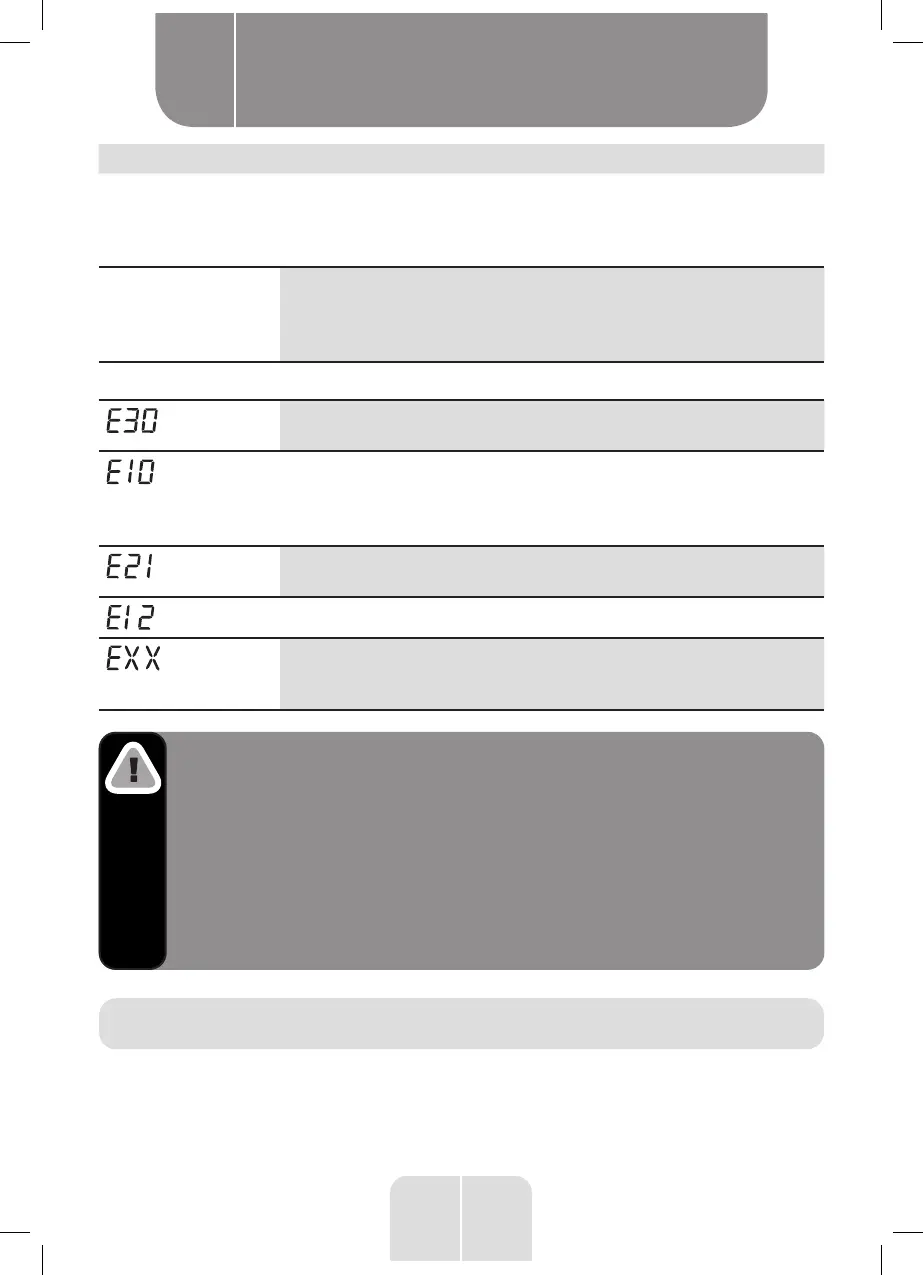
Error Codes
• Door is not closed
properly
• Close the door properly and restart.
• Water injecting
problem during
wash cycle.
• Check if the water pressure is high
enough.
• Straighten the water pipe. Clean the
inlet valve filter.
• Overtime water
draining
• Check the drain hose for blockage.
• Water overflow • Restart the appliance.
• Others • Restart the appliance. If problem
persists, please contact the customer
service.
Warning!
Risk of electric shock
•
Never try repair an appliance which is defective of
presumed to be defective. You may put your own and
future users’ lives in danger. Only authorised specialists
are allowed to carry out this repair work.
•
Improper repair will void the warranty and subsequent
damages can’t be recogniced!
Transport
IMPORTANT STEPS WHEN MOVING THE APPLIANCE
• Unplug the appliance and close the water inlet tap.
• Check, if the door and the detergent dispenser are closed properly.
Bekijk gratis de handleiding van Valberg WF 612 C W566C2, stel vragen en lees de antwoorden op veelvoorkomende problemen, of gebruik onze assistent om sneller informatie in de handleiding te vinden of uitleg te krijgen over specifieke functies.
Productinformatie
| Merk | Valberg |
| Model | WF 612 C W566C2 |
| Categorie | Wasmachine |
| Taal | Nederlands |
| Grootte | 9879 MB |