Toshiba TW-T37BZP115MWMWT handleiding
Handleiding
Je bekijkt pagina 22 van 35
OPERATIONS
10
21
Option
Note!
You can also adjust the dosage coefficient of detergent and softener according
to usage habits. Press [DETERGENT ] or [softener] 3 seconds can change
coefficient.
Detergent coefficient: 0.5,1,1.2,1.5. It means multiple of dosage. The display
corresponding show :H-1,H-2 ,H-3,H-4. Default is H-2.
Softener coefficient: 0.8,1,1.5,2. It means multiple of dosage. The display
corresponding show :S-1,S-2 ,S-3,S-4. Default is S-3.
SOFTENER
SOFTENER
The [SOFTENER] is the function of dispensing liquid softener automatically.
The default setting is Auto. You can press the [SOFTENER] button to turn off the
softener automatic dispense function. Then press the [SOFTENER] button, you can
adjust the level of liquid softener, total 4 levels :Less, Normal, Extra, Max. The
display corresponding show :L-1,L-2 ,L-3, L-4.
The ” ” icon light up in display panel, means liquid softener automatic dispense is
turned on. None icons light up means the liquid softener automatic dispense is
turned off.
When the “ ” icon is flashing means lack of liquid softener, you need to add it .
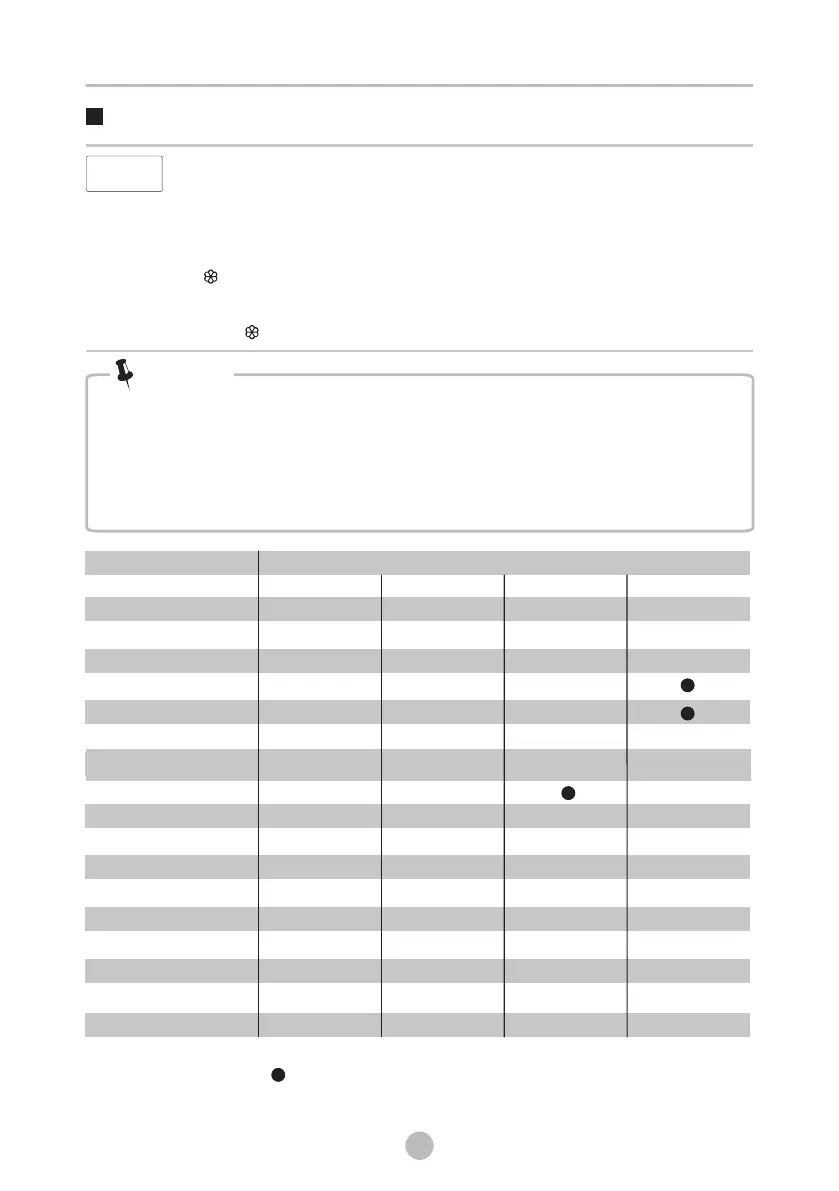
Program Option
AROMA+
DELAY
○
○
○
○
○
○
○
○
○
○
○
○
○
UFB Pro
○
○
○
COTTON
QUICK12’
QUICK45’
WHITE
STAINVANISH
COLORALIVE
BEDDING
HYGIENE
WOOL
SPIN ONLY
DOWNLOAD
DRUM CLEAN
ECO WASH
JEANS
BABY CARE
DELICATES
SPORTS
○
○
○
STEAM
○
○
○
○ ○
○ Means optional
*DOWNLOAD default program is BABY CARE .
Means default
○ ○
○
○
The programs (BABY CARE/JEANS/ECO WASH/DELICATES/SPORTS) can only be selected by
App on mobile phones.
TSmartLife
○
○
○
Bekijk gratis de handleiding van Toshiba TW-T37BZP115MWMWT, stel vragen en lees de antwoorden op veelvoorkomende problemen, of gebruik onze assistent om sneller informatie in de handleiding te vinden of uitleg te krijgen over specifieke functies.
Productinformatie
| Merk | Toshiba |
| Model | TW-T37BZP115MWMWT |
| Categorie | Wasmachine |
| Taal | Nederlands |
| Grootte | 3557 MB |