Toshiba DW-15F5SS-NZ handleiding
Handleiding
Je bekijkt pagina 15 van 37
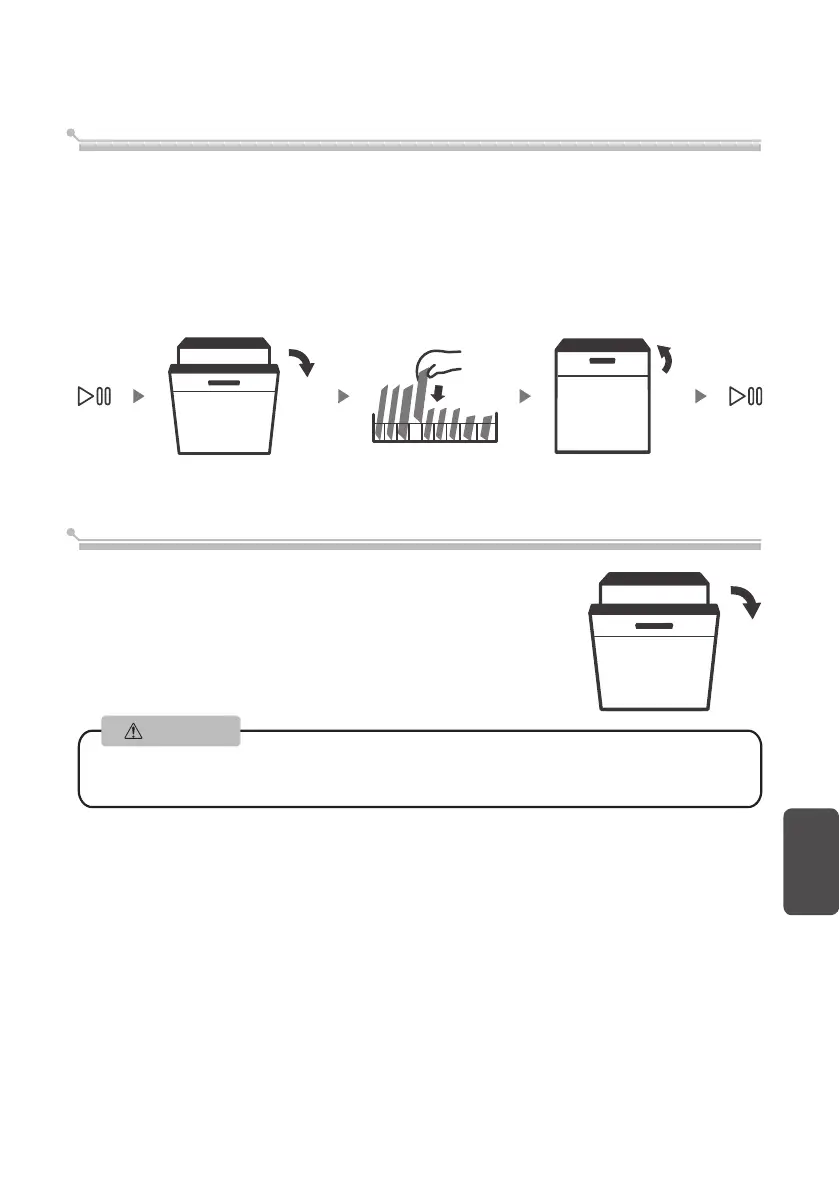
Put dishes in additional
Additional dishes can be placed in at any time before dishwasher program start. If you
want to reload dishes in the process of washing, please follow instructions below:
1. Press “Start/Pause” button to pause washing program;
2. Wait for 5 seconds to open the door;
3. Put the additional dishes in;
4. Close the door;
5. Press “Start/Pause” button and after 10 seconds, the dishwasher will start again.
English
15
After washing, the door will open automatically to achieve
better drying effect.
Auto Open
Attention
The dishwasher door must not be blocked when set to open automatically.
This can disrupt door lock functionality.
Bekijk gratis de handleiding van Toshiba DW-15F5SS-NZ, stel vragen en lees de antwoorden op veelvoorkomende problemen, of gebruik onze assistent om sneller informatie in de handleiding te vinden of uitleg te krijgen over specifieke functies.
Productinformatie
| Merk | Toshiba |
| Model | DW-15F5SS-NZ |
| Categorie | Wasmachine |
| Taal | Nederlands |
| Grootte | 3088 MB |