Teka WMK 40840 handleiding
Handleiding
Je bekijkt pagina 29 van 119
OPERATION
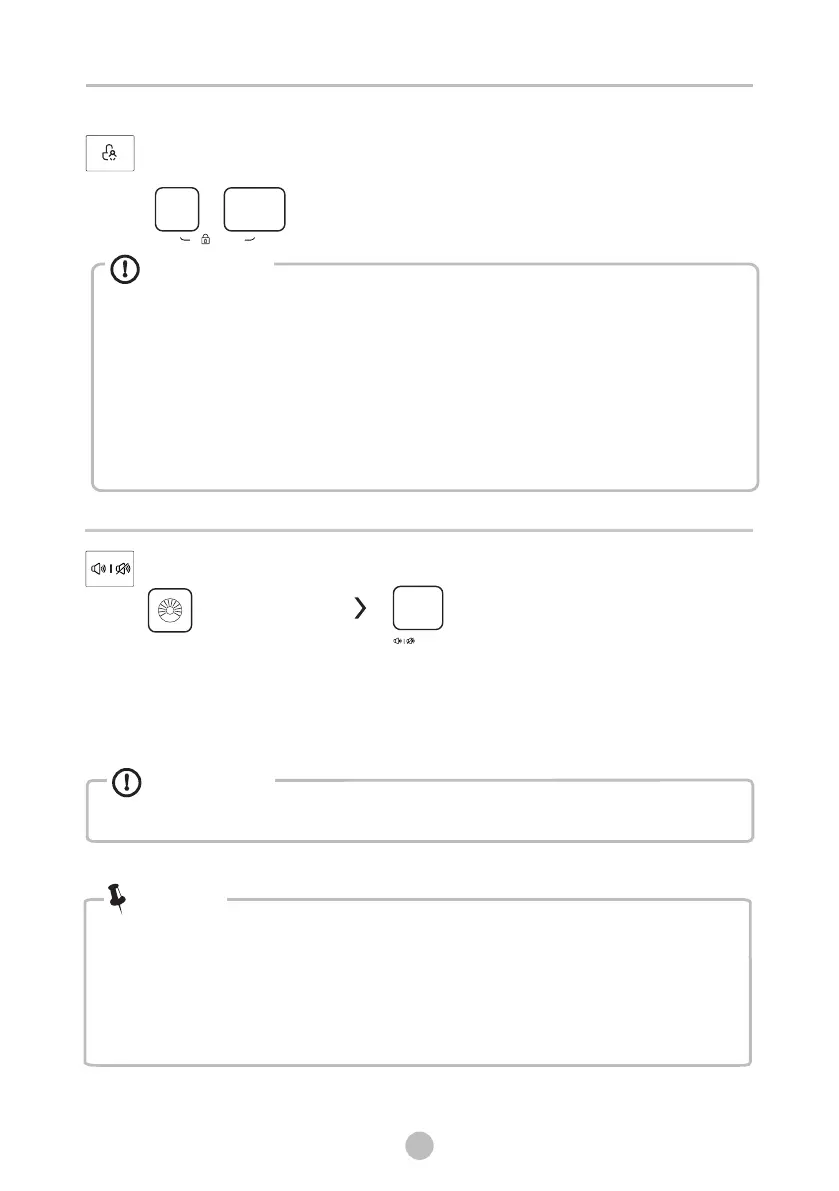
When the Child Lock is activated, the display will alternately show “CL” and the
remaining time.
Pressing any other button will cause the Child Lock indicator to flash.
When the program ends, “CL” and “End” will alternate on the display.
The Child Lock deactivates the function of all buttons except the Child lock button!
Only the simultaneous pressing of the two buttons can deactivate the Child Lock!
Please deactivate the Child Lock before selecting a new program!
Caution!
Child Lock
This function is meant to keep children from misusing the controls.
Press [Temp.] and [Function] simultaneously for 3 sec
until the buzzer beep. The child lock indicator switches on.
Function
Temp.
Mute the buzzer
To act the buzzer function, press the button again for 3 seconds. The setting
until the next reset.
will be kept
• MuAfter ting the buzzer function, the sounds will not be activated any more.
Caution!
Press the [Speed]button for 3sec.,
the buzzer is mute.
Speed
Choose the Programme
28
Usage counter
1 Unplug the equipment for 10s and reconnect again.
2 Power on and within 10s, please press " Delay" and "Drum Clean" on control panel
for around 5s until the device display shows digits--the
value can indicate the times of equipment usage.
3 Repeat step 1 again and customer can resume to normal operation.
.
.
simultaneously and continuously
.
Note!
(3s)
(3s)
Bekijk gratis de handleiding van Teka WMK 40840, stel vragen en lees de antwoorden op veelvoorkomende problemen, of gebruik onze assistent om sneller informatie in de handleiding te vinden of uitleg te krijgen over specifieke functies.
Productinformatie
| Merk | Teka |
| Model | WMK 40840 |
| Categorie | Wasmachine |
| Taal | Nederlands |
| Grootte | 13337 MB |