Speed Queen FV6010WN handleiding
Handleiding
Je bekijkt pagina 90 van 119
4.
When Ft En appears in the display, press the START (enter)
keypad. The current Factory Test status will appear in the dis-
play.
on = Option Enabled (factory default setting)
oFF = Option Disabled
5. Press the DELICATE (∧) or the HOT (∨) keypad to change
the current status.
6. Press the START (enter) keypad when the correct value ap-
pears in the display. The new value is saved and the next op-
tion will appear in the display.
Lucky Cycle LUC-
This option allows the owner to program the machine to provide
a free or reduced vend cycle to users after a certain number of
machine cycles have occurred.
1. Control must be in Manual Mode. Refer to How to Enter the
Manual Mode.
2.
Press the DELICATE (∧) or the HOT (∨) keypad until Prog
appears in the display. Press the START (enter) keypad, and
AtS 1 will appear in the display.
3. Press the DELICATE (∧) or the HOT (∨) keypad to scroll
through the programmable options until LUC- appears in the
display.
4.
When LUC- appears in the display, press the START (enter)
keypad. There are three programmable Lucky Cycle options.
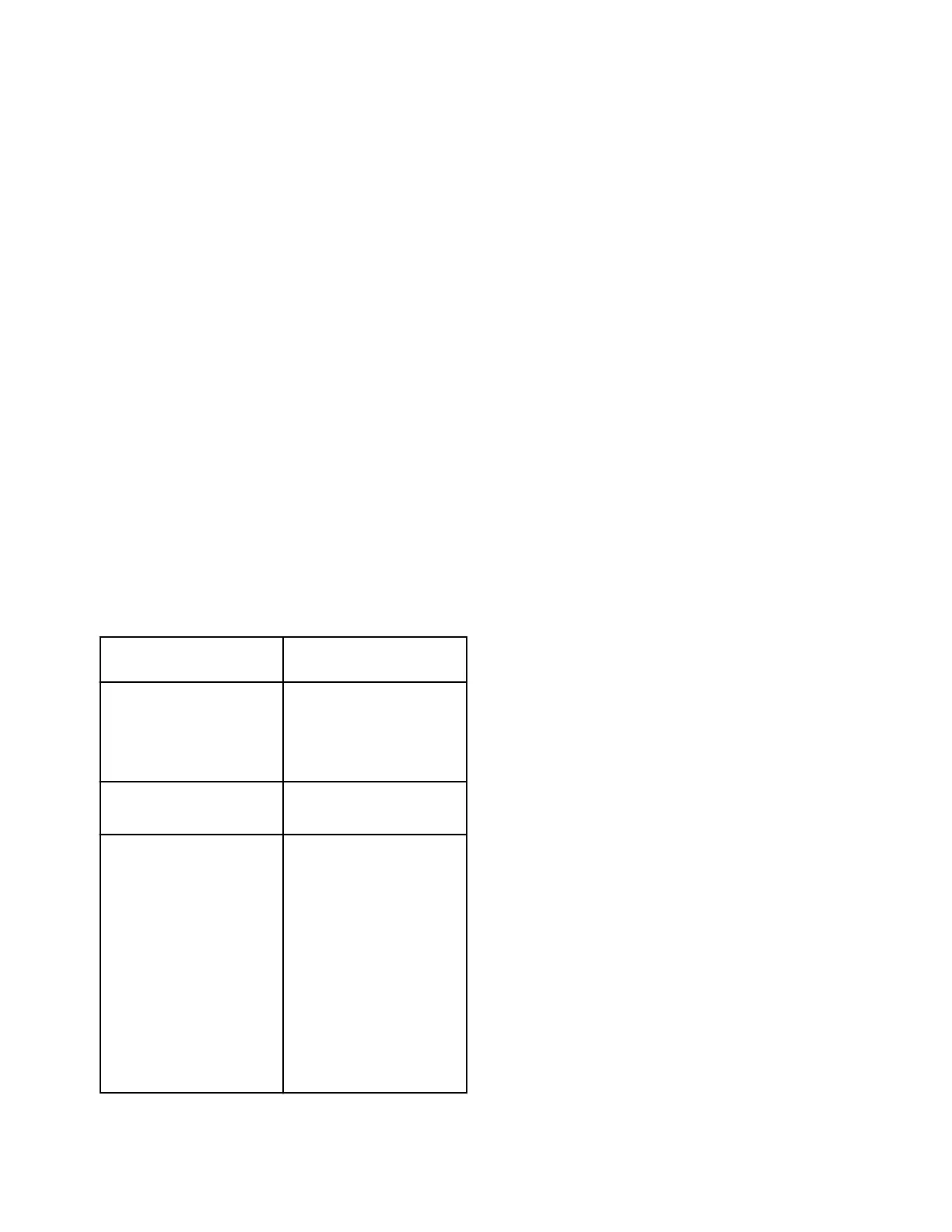
Refer to Table 26 .
Display Lucky Cycle Options
LUC 1
Lucky Cycle Day(s) of
Week / Enable On/Off
Refer to Table 9 for pro-
gramming.
LUC 2
Lucky Cycle Number
(0-255)
LUC 3
Lucky Cycle Display Op-
tion On/Off
ON = Free vend. Lucky
cycle active after 4.25 mi-
nutes in Ready Mode.
OFF = Vend must be en-
tered. Remaining vend is
free. For example, after
entering a coin the price
will count down by Coin
1 value until vend is satis-
fied.
Table 26
NOTE: When the Lucky Cycle conditions have been
met, the display will show FrEE when the Display
Option is set to On.
5. Press the DELICATE (∧) or the HOT (∨) keypad to change
the current status.
6. Press the START (enter) keypad when the correct value ap-
pears in the display. The new value is saved and the next op-
tion will appear in the display.
Speed Units SUnitS
This option allows the owner to program the speed units to be
shown in RPMs or G Force for all speed related programming pa-
rameters.
1. Control must be in Manual Mode. Refer to How to Enter the
Manual Mode.
2.
Press the DELICATE (∧) or the HOT (∨) keypad until Prog
appears in the display. Press the START (enter) keypad, and
AtS 1 will appear in the display.
3. Press the DELICATE (∧) or the HOT (∨) keypad to scroll
through the programmable options until SUnitS appears in
the display.
4.
When SUnitS appears in the display, press the START (en-
ter) keypad. The current Speed Units status will appear in the
display.
rPN = Option (factory default setting)
gForCE = Option
5. Press the DELICATE (∧) or the HOT (∨) keypad to change
the current status.
6. Press the START (enter) keypad when the correct value ap-
pears in the display. The new value is saved and the next op-
tion will appear in the display.
Programmable Close Door Display
PCdL d
This option allows the owner to enable or disable allowing the
control to display the corresponding command to close the door
along with the cycle time.
1. Control must be in Manual Mode. Refer to How to Enter the
Manual Mode.
2.
Press the DELICATE (∧) or the HOT (∨) keypad until Prog
appears in the display. Press the START (enter) keypad, and
AtS 1 will appear in the display.
3. Press the DELICATE (∧) or the HOT (∨) keypad to scroll
through the programmable options until PCdL appears in the
display.
4.
When PCdL appears in the display, press the START (enter)
keypad. The current status will appear in the display.
on = Option Enabled (factory default setting)
oFF = Option Disabled
Programming Control
©
Copyright, Alliance Laundry Systems LLC -
DO NOT COPY or TRANSMIT
90 Part No. 807870ENR4
Bekijk gratis de handleiding van Speed Queen FV6010WN, stel vragen en lees de antwoorden op veelvoorkomende problemen, of gebruik onze assistent om sneller informatie in de handleiding te vinden of uitleg te krijgen over specifieke functies.
Productinformatie
| Merk | Speed Queen |
| Model | FV6010WN |
| Categorie | Wasmachine |
| Taal | Nederlands |
| Grootte | 14039 MB |