Sharp ES-NFB714CWA-DE handleiding
Handleiding
Je bekijkt pagina 21 van 37
EN - 18
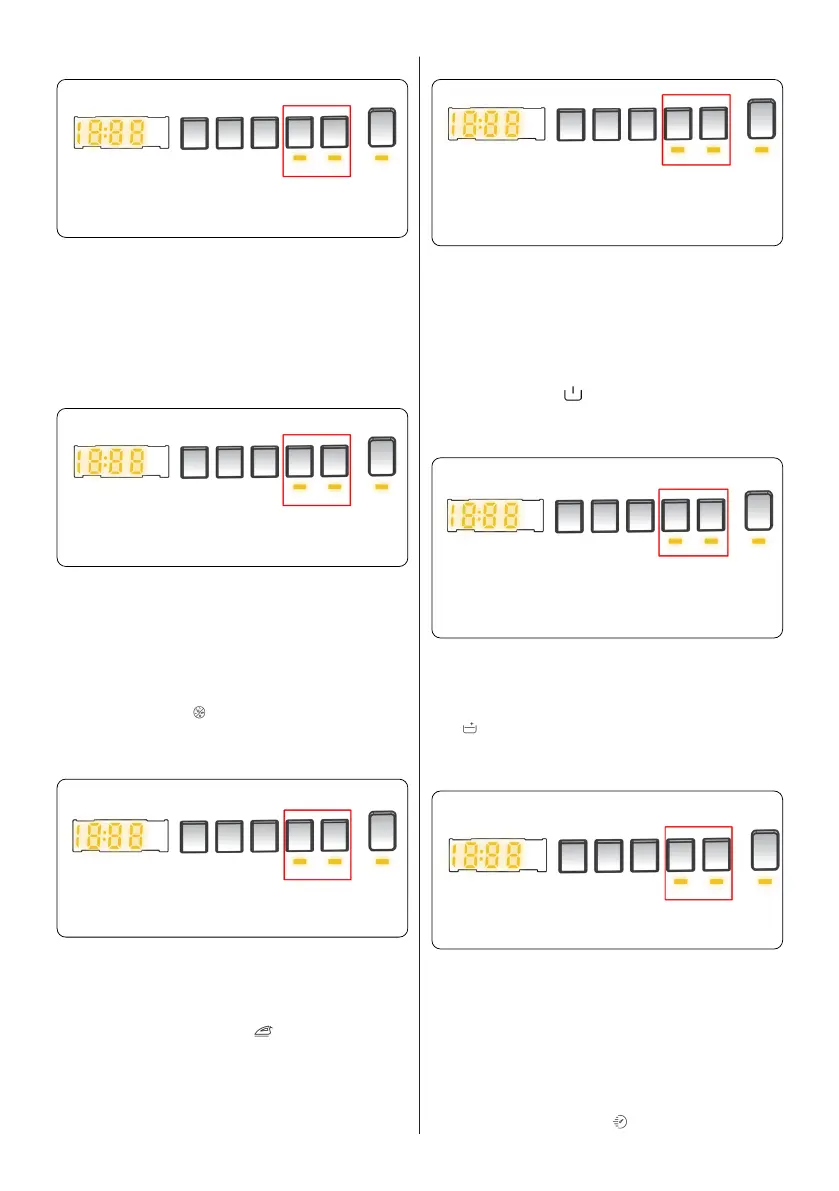
4. Steam+ (*)
Auxiliary function button 3 or 4 Steam+
Use the Steam + function to reduce
wrinkling of clothes and to provide
additional hygiene protection. The Steam +
function will add an extra step to the end of
the program, releasing steam to penetrate
and loosen the fibres for up to 30 minutes.
5. Anti- Allergic(*)
Auxiliary function button 3 or 4 Anti- Allergic
You can add an additional rinse operation to
your laundry using this additional function.
Your machine will carry out all rinsing steps
with hot water. We recommend this setting
for laundry worn on delicate skin, baby
clothes and underwear.
To select this function, press the Antiallergic
button when the symbol is displayed.
6. Easy Ironing(*)
Auxiliary function button 3 or 4 Easy Ironing
Using this function will result in your laundry
being less wrinkled at the end of the
selected washing programme.
To select this function, press the Easy
ironing button when the symbol is
displayed.
7. Pre-Wash(*)
Auxiliary function button 3 or 4 Pre-Wash
This additional function allows you to give
heavily soiled laundry a pre-wash before
the main washing programme takes place.
When using this function, put detergent in
front washing compartment of the detergent
drawer.
To select this function, press the Pre-wash
button when the symbol is displayed.
8. Extra Rinse(*)
Auxiliary function button 3 or 4 Extra Rinse
You can add an additional rinse operation
to the end of the selected wash programme
using this additional function. To select this
function, press the Extra rinse button when
the symbol is displayed.
9. Rapid Wash(*)
Auxiliary function button 3 or 4 Rapid Wash
You can wash your laundry in a shorter
time, using less energy and water by
selecting this additional function.
We recommend that you only use this
option if you are washing less than half
the maximum dry load for the selected
programme.
To select this function, press the Rapid
wash button when the symbol is
displayed.
Bekijk gratis de handleiding van Sharp ES-NFB714CWA-DE, stel vragen en lees de antwoorden op veelvoorkomende problemen, of gebruik onze assistent om sneller informatie in de handleiding te vinden of uitleg te krijgen over specifieke functies.
Productinformatie
| Merk | Sharp |
| Model | ES-NFB714CWA-DE |
| Categorie | Wasmachine |
| Taal | Nederlands |
| Grootte | 3455 MB |
Caratteristiche Prodotto
| Apparaatplaatsing | Vrijstaand |
| Soort bediening | Touch |
| Kleur van het product | Wit |
| Deurscharnieren | Rechts |
| Ingebouwd display | Ja |