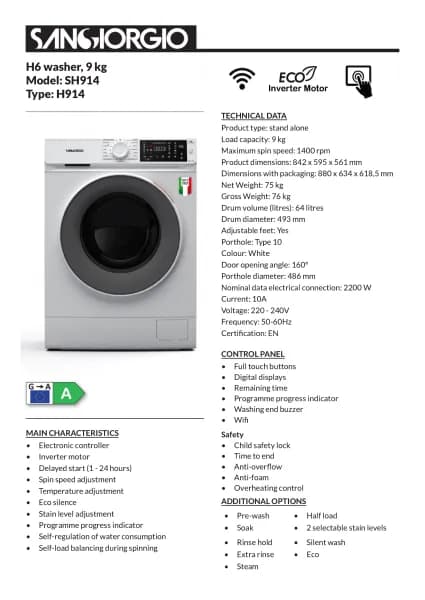
Sangiorgio SENS812D New Evolution handleiding
Handleiding
Je bekijkt pagina 15 van 35
15
COMMAND DESCRIPTION
1. Programme knob
The knob is used to select a desired
programme and to turn the appliance off. It can
be rotated in clockwise and counterclockwise
for a fast and easy selection of programme.
2. Temperature knob
This knob allows for the setting of the
temperature. To change setting rotate the knob
to the desired temperature.
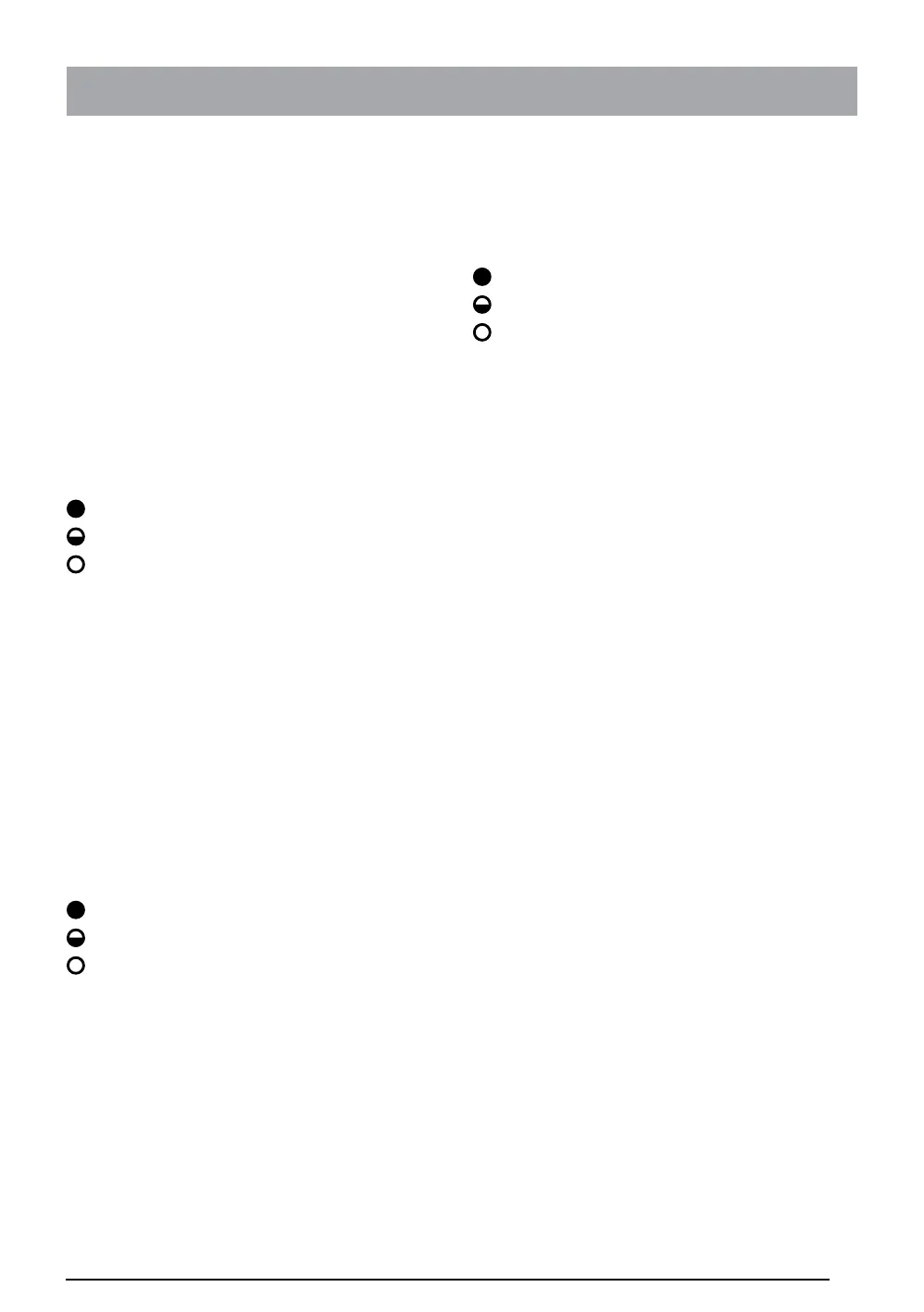
3. Spinning regulation (E3 LED model)
This button is used for reduction or spin
exclusion. Upon each press of the button the
LED indicator changes state, there are three
possible combinations which are:
Led steadily on - maximum spin speed
Led blinking - medium spin speed
Led off - spin excluded.
3. Spinning regulation (E3 DISPLAY
model)
This button is used setting the spin speed. To
change setting, press the corresponding
key repeatedly until the desired value is shown
on the digit display.
4. Extra rinse and Rinse hold
This button allows for the select extra rinse or
rinse hold function. Upon each press of the
button the LED indicator changes state. There
are three possible combinations which are:
Led steadily on - extra rinse
Led blinking - rinse hold
Led off - exclusion of both.
The extra rinse function adds an extra rinse to
standards rinse cycle.
The rinse hold function, when activated the
appliance stops with water in the tank without
having to drain and spin.
To run the drain and spin, it will be necessary
to press the START/PAUSE button by the
ashing LED.
5. Prewash and Soak
This key allows for the selection of prewash
or soak function. Upon each press of the
button the LED indicator changes state There
are three possible combinations which are:
Led steadily on - prewash
Led blinking - soak
Led off - exclusion of both
The prewash function is used to make a low
temperature washing before the main washing
to remove heavy stains.
The soak function is used to soak laundry
before main wash cycle.
6. Start/Pause
The button activates and deactivates the
selected washing programme.
7. DELAYED START AND CHILD
SAFETY E3D MODEL ONLY
This button, in the washing programme
selection step, it allows for the setting of the
delayed start function; while after starting the
washing cycle it allows for the activation of the
child safety locking feature.
To set the delayed start time, the button is
pressed repeatedly until the desired value
shown on the digit display. The value can be
set between 1 and 24 hours.
Pressing the Start/Pause button the time
countdown starts on until the expiration on the
digit display.
To set the child lock, after the starting of the
washing cycle, press and hold the button P7
until the red LED of the “Door Lock” begins to
ash. To disable this feature, press and hold
the button until the red LED stops ashing.
Bekijk gratis de handleiding van Sangiorgio SENS812D New Evolution, stel vragen en lees de antwoorden op veelvoorkomende problemen, of gebruik onze assistent om sneller informatie in de handleiding te vinden of uitleg te krijgen over specifieke functies.
Productinformatie
| Merk | Sangiorgio |
| Model | SENS812D New Evolution |
| Categorie | Wasmachine |
| Taal | Nederlands |
| Grootte | 5662 MB |
Caratteristiche Prodotto
| Apparaatplaatsing | Vrijstaand |
| Soort bediening | Buttons, Rotary |
| Kleur van het product | Wit |
| Deurscharnieren | Links |
| Ingebouwd display | Ja |