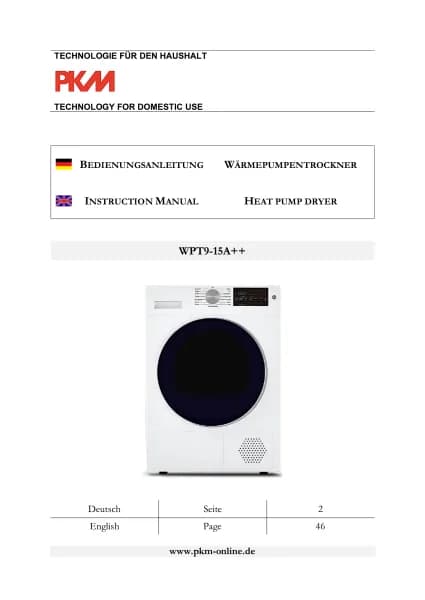
PKM WPT10-14E handleiding
Handleiding
Je bekijkt pagina 82 van 95

~ 82 ~
5.6 How to interrupt, cancel or change a drying programme
HOW TO INTERRUPT A DRYING PROGRAMME
I
f you press the «
START / PAUSE »- BUTTON during a drying process, the currently
running programme will be interrupted.
1. Press the «
START / PAUSE »- BUTTON during a drying process.
2. The drying programme is interrupted.
3. Start the interrupted programme again using the «
START / PAUSE »- BUTTON.
4. The dryer restarts from the point at which the programme was interrupted.
HOW TO CANCEL A DRYING PROGRAMME PREMATURELY
1. T
o cancel a drying programme prematurely, switch off the appliance using the
«
ON / OFF (GER.: EIN / AUS) » - BUTTON.
2. The currently running programme is interrupted and cancelled.
HOW TO CHANGE A DRYING PROGRAMME
T
o change a drying programme, you must cancel the currently running
programme first.
1. Switch off the appliance using the «
ON / OFF (GER.: EIN / AUS) » - BUTTON.
1. The currently running drying programme is cancelled.
2. Switch on the appliance again using the «
ON / OFF (GER.: EIN / AUS) » - BUTTON.
3. Set a new drying programme using the rotary knob and press the
«
START / PAUSE »- BUTTON to start the new programme.
6. Environmental protection
6.1 Environmental protection: disposal
Appliances bearing this symbol « » must not be disposed of together with
household waste throughout the EU. To prevent potential damage to the
environment or human health from uncontrolled waste disposal and to promote
the sustainable reuse of material resources, responsibly supply the appliance to a
recycling centre.
Bekijk gratis de handleiding van PKM WPT10-14E, stel vragen en lees de antwoorden op veelvoorkomende problemen, of gebruik onze assistent om sneller informatie in de handleiding te vinden of uitleg te krijgen over specifieke functies.
Productinformatie
| Merk | PKM |
| Model | WPT10-14E |
| Categorie | Wasmachine |
| Taal | Nederlands |
| Grootte | 14911 MB |