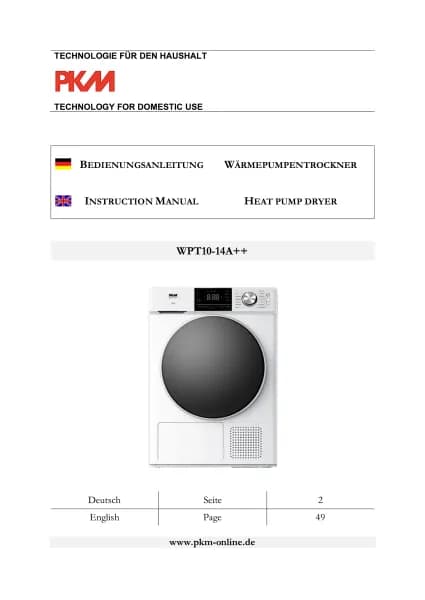
PKM WPT10-14E handleiding
Handleiding
Je bekijkt pagina 75 van 95
~ 75 ~
11. The operational status indicator of the time programme «
» goes on.
12. In addition to the selected programme, further
DRYING FUNCTIONS can be
selected using the corresponding buttons (s. chapter 5.4. S
ELECTION OF THE
ADDITIONAL FUNCTIONS
. The corresponding operational status indicators go on.
13. Press the «
START / PAUSE » - BUTTON to start the selected time programme.
14. After the drying programme is finished, an acoustic signal sounds and the display
indicates «
END » (s. chapter 5.5 END OF A DRYING PROGRAMME.
15. When the drying programme is finished, switch off the appliance completely
using the «
ON / OFF » - BUTTON (Ger.: EIN / AUS ).
If the selected drying programme cannot be combined with the desired functions,
these functions cannot be selected or will be cancelled and the indicators switches
off automatically.
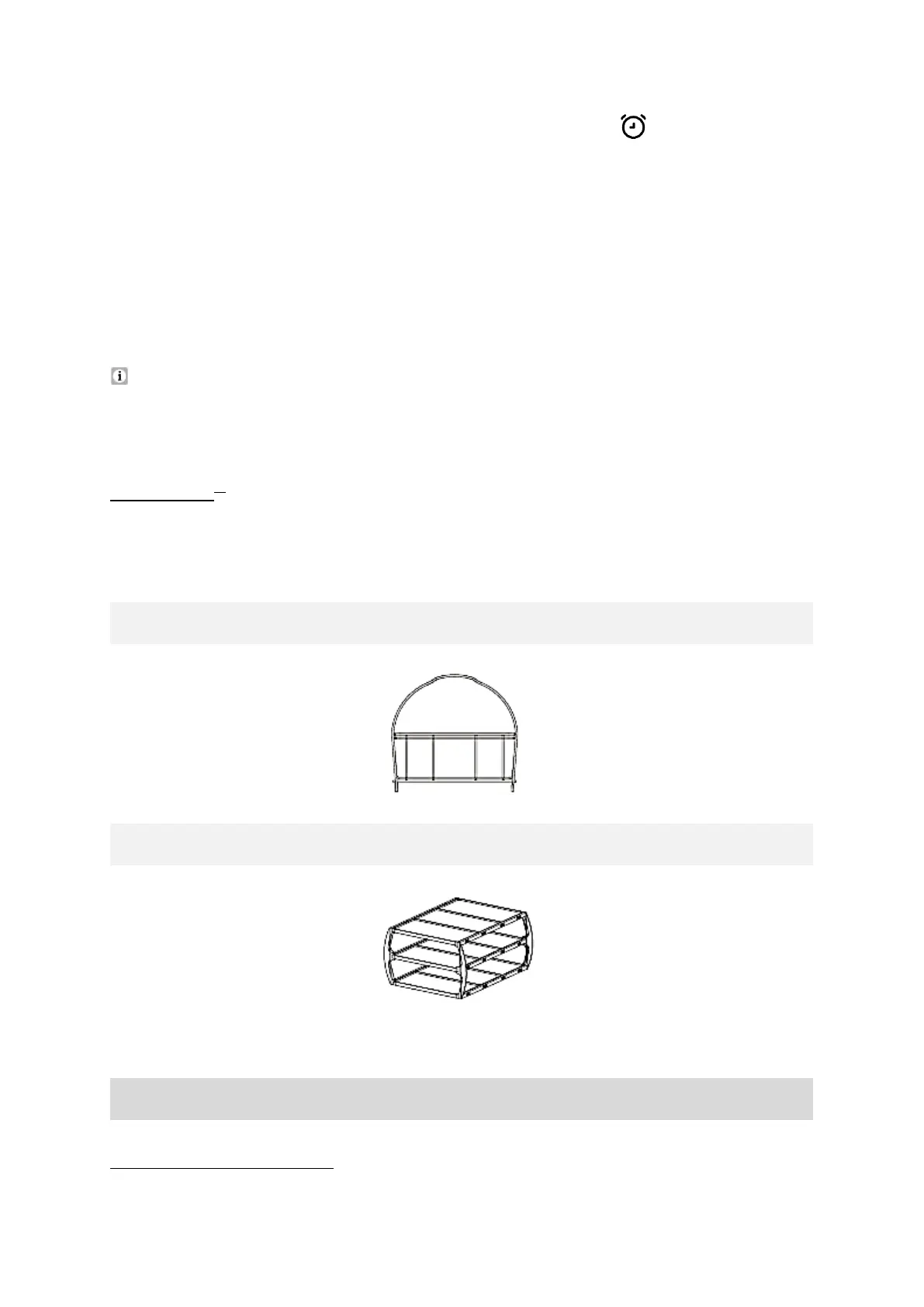
5.3.2 Racks
21
METAL RACK
PLASTIC RACK
T
he plastic rack is suitable for the layering of clothing.
INSTALLATION OF THE RACKS
22
21
Equipment depending on model.
22
Equipment depending on model.
Bekijk gratis de handleiding van PKM WPT10-14E, stel vragen en lees de antwoorden op veelvoorkomende problemen, of gebruik onze assistent om sneller informatie in de handleiding te vinden of uitleg te krijgen over specifieke functies.
Productinformatie
| Merk | PKM |
| Model | WPT10-14E |
| Categorie | Wasmachine |
| Taal | Nederlands |
| Grootte | 14911 MB |