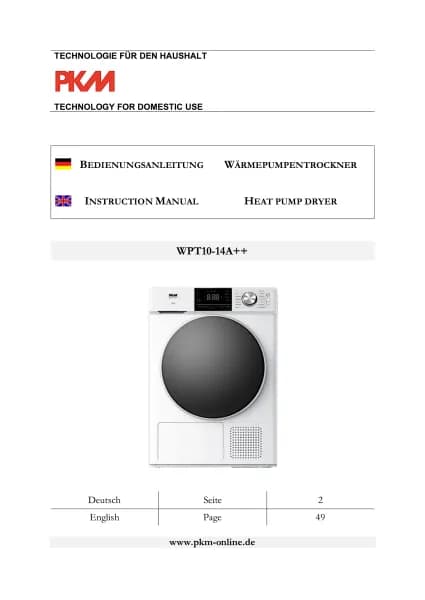
PKM WPT10-14E handleiding
Handleiding
Je bekijkt pagina 59 van 95
~ 59 ~
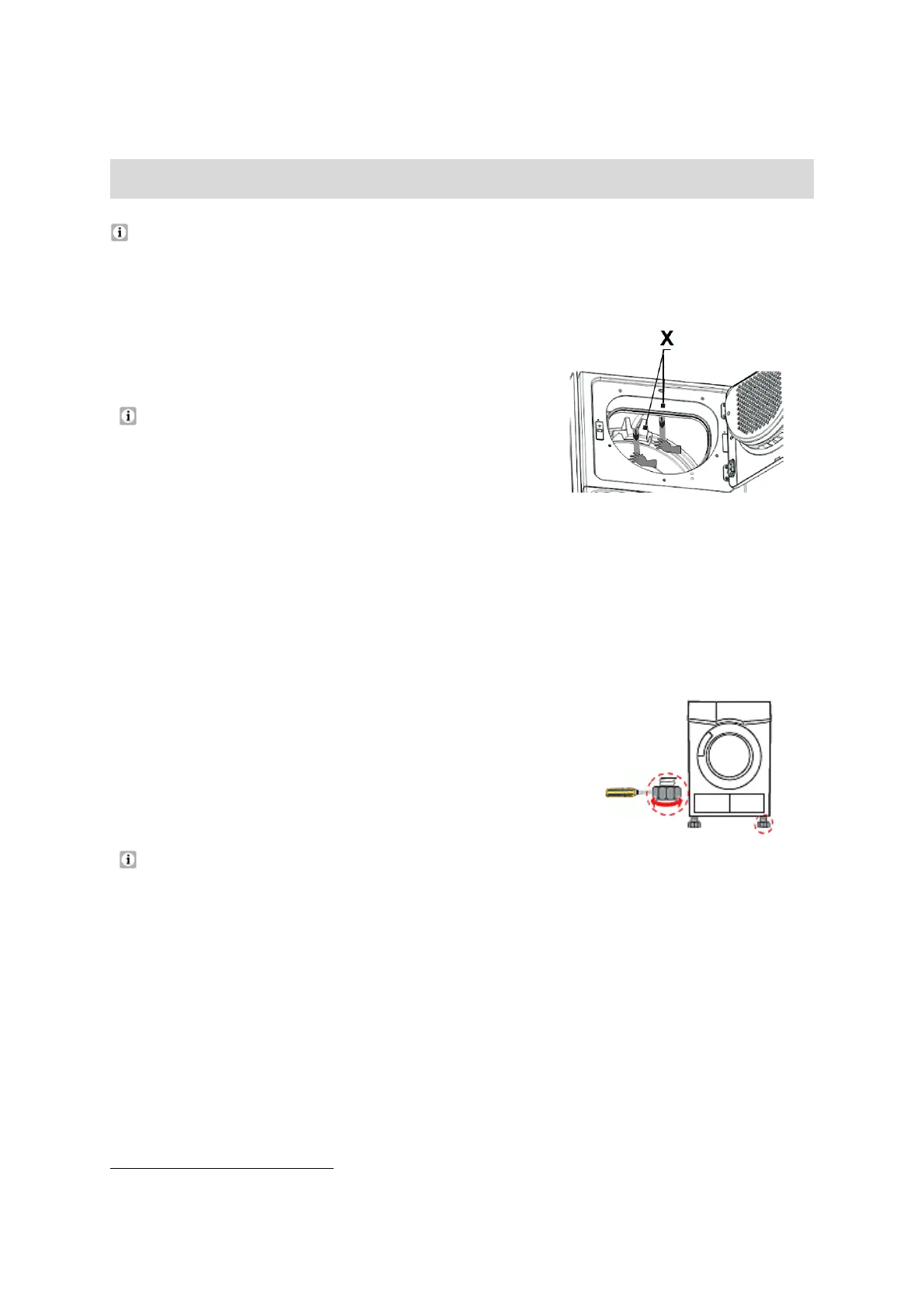
DRUM: HOW TO REMOVE THE PACKAGING FOAM
18
Remove the packaging foam inside the drum.
1. Open the door of the appliance.
2. Remove the adhesive strips from the inside of
the drum.
Do not use any aggressive or abrasive
detergents to remove residuals of the adhesive
strips.
3. Remove the packaging foam (X / 2 pcs.).
Fig. similar
2.3 Levelling
1. Install the appliance on a flat and solid ground only.
2.
Allow adequate distance to the floor to avoid
vibrations and noise.
3. If the appliance does not stand horizontally, adjust
the 4 feet by turning them clockwise
/ anticlockwise until the appliance is level.
Do not put any blankets or ropes or piles of items on the floor. They could
generate heat so that the appliance will not properly work.
2.4 Water drain hose
During a drying process, usually the excess water runs into the integrated water
container of the appliance. However, you have the possibility to lead the excess
water directly to the outside (e.g. into a drain, a sink, a wash basin, etc.). To do
this, you must connect the water drain hose of the appliance to an external water
drain hose
19
.
18
Depending on model.
19
Included in the scope of delivery.
Bekijk gratis de handleiding van PKM WPT10-14E, stel vragen en lees de antwoorden op veelvoorkomende problemen, of gebruik onze assistent om sneller informatie in de handleiding te vinden of uitleg te krijgen over specifieke functies.
Productinformatie
| Merk | PKM |
| Model | WPT10-14E |
| Categorie | Wasmachine |
| Taal | Nederlands |
| Grootte | 14911 MB |