Philco PLDSI 149 A King handleiding
Handleiding
Je bekijkt pagina 18 van 36
Copyright © 2023, Fast ČR, a. s. Revision 11/2023
EN - 16
G Option
Delay
Delay
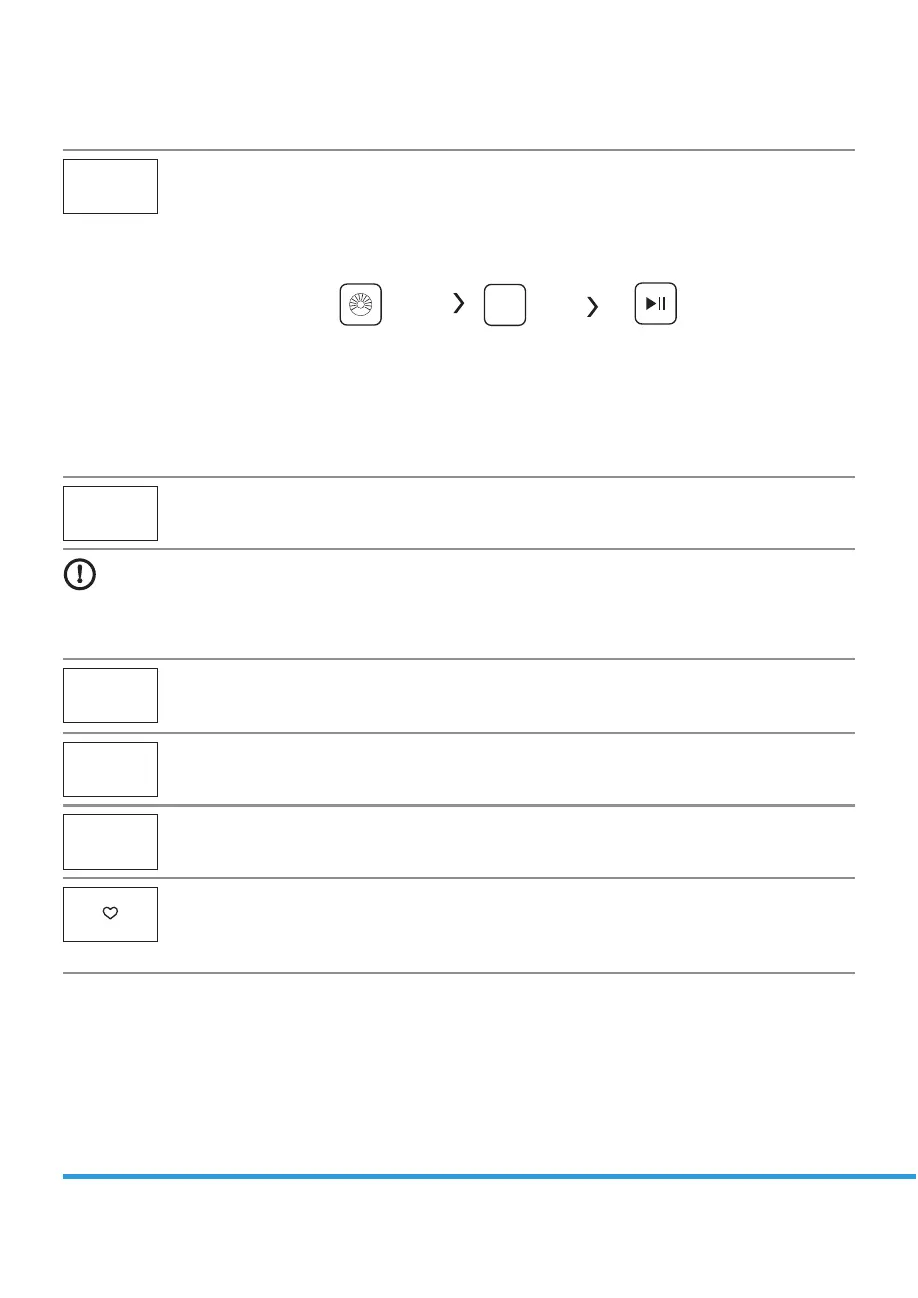
Set the Delay function:
1. Select a programme.
1SFTTUIF%FMBZCVUUPOUPDIPPTFUIFUJNFUIFEFMBZJOHUJNFJT))))
3. Press [Start/Pause] to commence the delay operation.
Delay
Choose the Programme Setting time Start
Cancel the Delay function:
Press the [Delay] button until the display be 0H. It should be pressed before starting the
QSPHSBNNF*GUIFQSPHSBNNFBMSFBEZTUBSUFETIPVMETXJUDIPòQSPHSBNNFUPSFTFUBOFX
one.
Soil Level
Soil
The washing time will increase or decrease after you select it.
Caution!
t *GUIFSFJTBOZCSFBLJO UIFQPXFSTVQQMZXIJMF UIFNBDIJOFJT PQFSBUJOHB TQFDJBMNFNPSZ TUPSFTUIF
selected programme and when the power is restarted, the program will continue.
Pre Wash
Pre Wash
The Prewash function can get an extra wash before main wash,it is suitable for washing the
dust rises to surface of the clothes; You need to put detergent into the Case (I) when select it.
Extra Rinse
Extra Rinse
The laundry will undergo extra rinse once after you select it.
Speed wash
Speed Wash
The function can decrease the washing time.
My Cycle
5PNFNPSZUIFGSFRVFOUMZVTFEQSPHSBNNF
After choosing the programme and setting the options, press [Temp.] 3 sec. before start to
wash. The default setting course is Cotton.
Bekijk gratis de handleiding van Philco PLDSI 149 A King, stel vragen en lees de antwoorden op veelvoorkomende problemen, of gebruik onze assistent om sneller informatie in de handleiding te vinden of uitleg te krijgen over specifieke functies.
Productinformatie
| Merk | Philco |
| Model | PLDSI 149 A King |
| Categorie | Wasmachine |
| Taal | Nederlands |
| Grootte | 2654 MB |