Midea WBMF310 handleiding
Handleiding
Je bekijkt pagina 40 van 67
WASHER DRYER
OPERATION INSTRUCTIONS
39
Remote
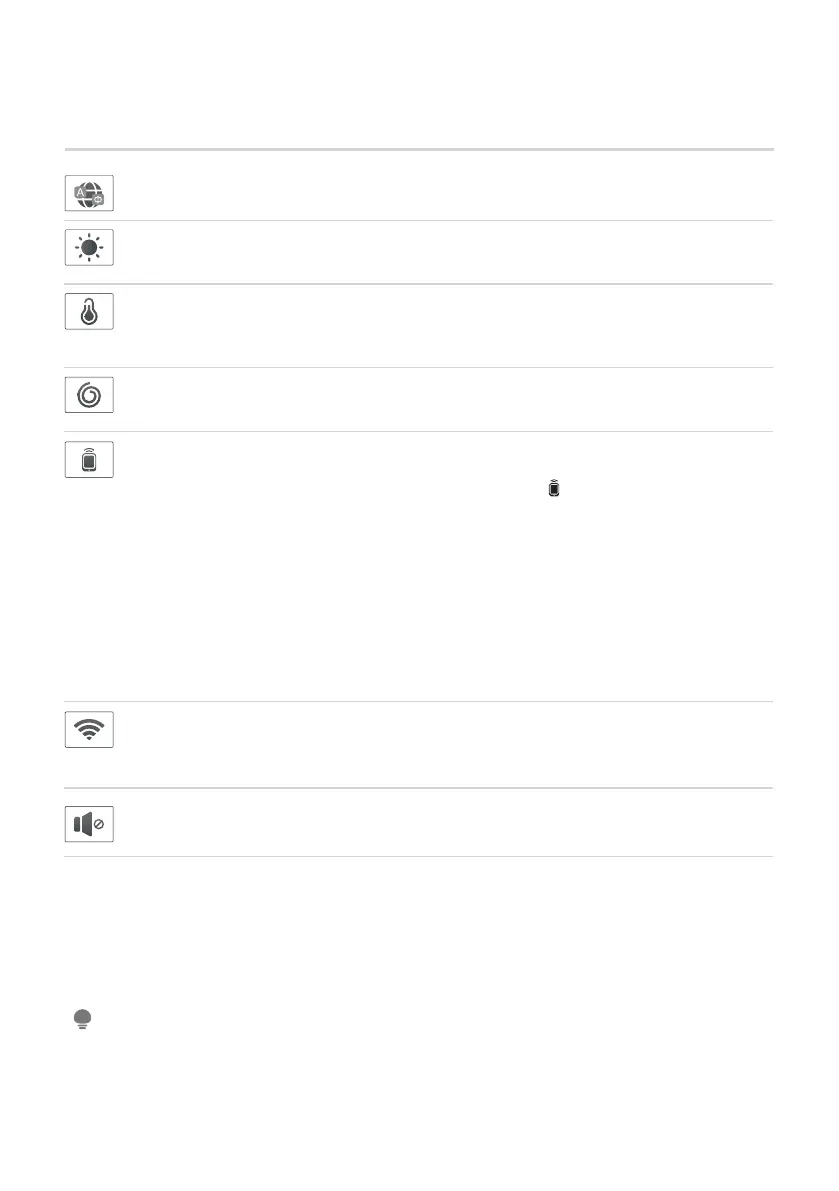
This is the switch of remote control, if you want to use your smartphone to
control the appliance remotely, you need to press [ ] , the remote control
icon will light up in the knob display, which means it has entered the remote
control state and you can start to control remotely.
Considering the safe operation of appliance, the smartphone remote
control should meet the following conditions:
1. The appliance should connect to the internet;
2. The door of drum should be closed.
Remark:
- If the door is open in anytime, the remote control function will be failure.
- The remote control function is turned off at the end of each cycle
automatically, if you want to use remote control function again, you need
turn on it again.
• The detail of connect , pls check “ ” Wireless Network .APP SETUP AND OPERATION
NOTE
Connect
Press and hold this icon to enter the networking page, connect to your wireless
network, associate with your mobile device, access the cloud to remotely
operate the machine and download the cloud washing programme.
Language
Set the machine language to English/ Russian.
Dry level
It is used to adjust the drying degree of clothes. You can select IRON /
CUPBOARD / EXTRA, and the default drying degree is cupboard.
Speed
the following steps
When needed, the spinning speed can be adjusted pressing the Speed button in
Silence
Touch this button lightly to turn of the buzzer sound.
Temp
temperature button in the following steps:
COLD - 20°C - 30°C- 40°C - 60°C - 90°C.
When needed, the washing temperature can be adjusted by pressing the
Bekijk gratis de handleiding van Midea WBMF310, stel vragen en lees de antwoorden op veelvoorkomende problemen, of gebruik onze assistent om sneller informatie in de handleiding te vinden of uitleg te krijgen over specifieke functies.
Productinformatie
| Merk | Midea |
| Model | WBMF310 |
| Categorie | Wasmachine |
| Taal | Nederlands |
| Grootte | 6329 MB |