Midea MF200D80B handleiding
Handleiding
Je bekijkt pagina 25 van 35
OPERATION
Spin Speed
When needed, the spinning speed can be adjusted pressing the Speed button in the
following steps: 1400: 0-400-600-800-1000-1200-1400
Speed
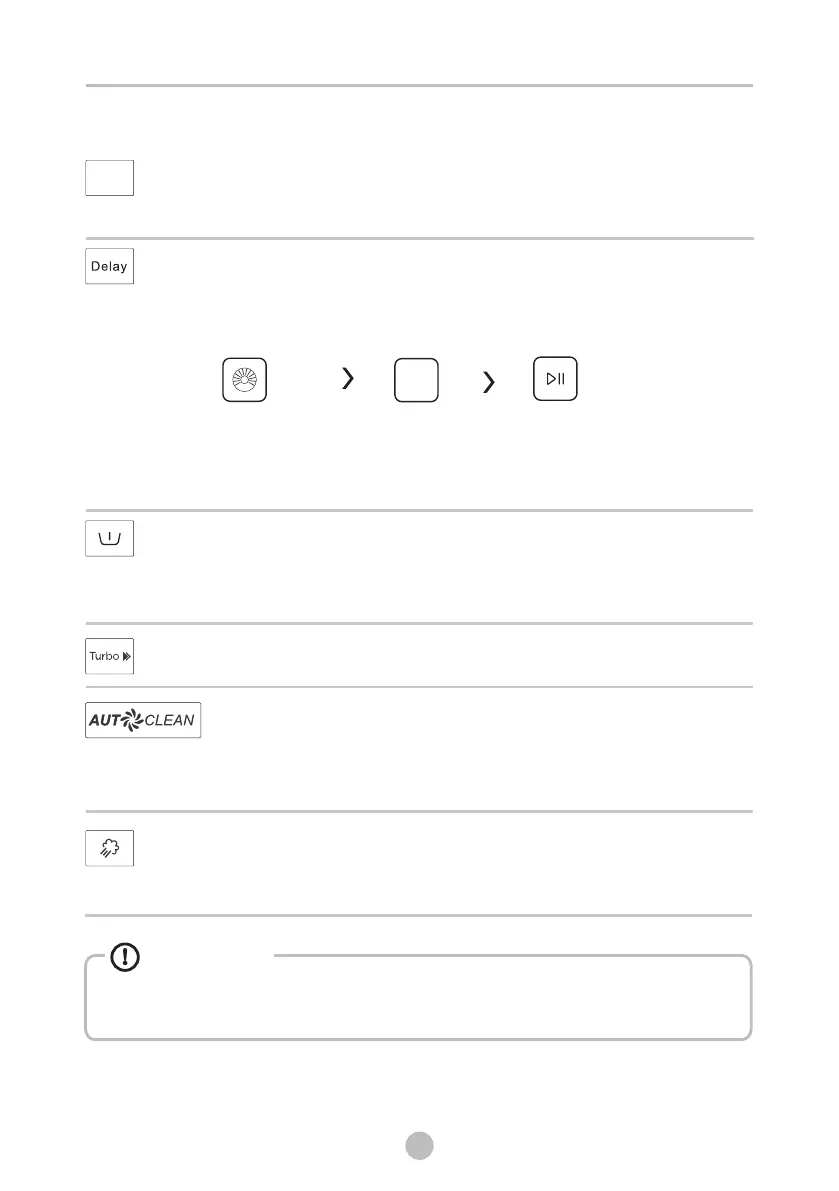
Delay
2.Press the Delay button to choose the delaying time 0-24h
3.Press [Start/Pause] to start the delay operation
1. Select a programme
Choose programme
StartSetting time
Delay
To cancel the Delay function, press the “Delay” button before starting the program
until the display shows 0 h. If the program has already started, switch the appliance
off and afterwards on and select a new programme.
Pre Wash
Extra washing function before the main washing cycle starts to increase the washing
performance.
Note: Detergent needs to be added to the compartment I.
Turbo
The function can decrease the washing time.
AutoClean
The self-clean function will be automatically activated during every
washing cycle. Hygiene Pro system will keep your laundry always clean.
Environmentally save time and ease your laundry.
SteamCare
SteamCare is the function added before main wash, which will generate warm
steam to sterilization and greater washing performance especially for cold wash.
Some programs have automatically added AutoClean or SteamCare functions,
these two functions can’t be manually selected or canceled.
Caution!
24
Bekijk gratis de handleiding van Midea MF200D80B, stel vragen en lees de antwoorden op veelvoorkomende problemen, of gebruik onze assistent om sneller informatie in de handleiding te vinden of uitleg te krijgen over specifieke functies.
Productinformatie
| Merk | Midea |
| Model | MF200D80B |
| Categorie | Wasmachine |
| Taal | Nederlands |
| Grootte | 3035 MB |
Caratteristiche Prodotto
| Apparaatplaatsing | Vrijstaand |
| Soort bediening | Draaiknop |
| Kleur van het product | Wit |
| Deurscharnieren | Links |
| Ingebouwd display | Ja |