
Khind WM80A handleiding
Handleiding
Je bekijkt pagina 8 van 29
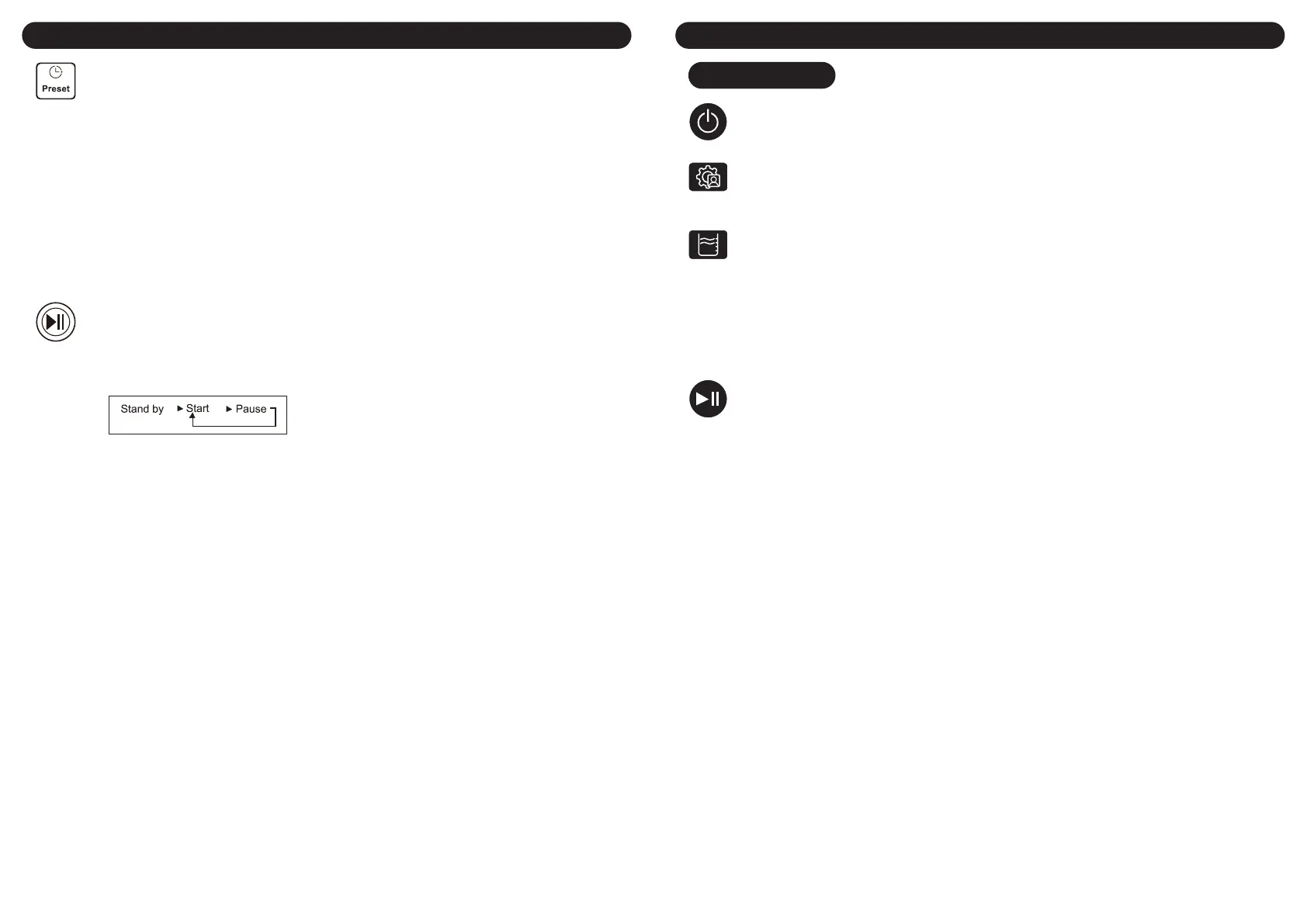
Preset Selector
• Select an automatic process or edit process by yourself.
• If the preset selector is needed, you can press the Preset button until the indicator of the preset is
light up. The indicating window indicates the needs of time for washing (hour).
• Please close the wash lid completely. (otherwise, the machine will give an alarm)
• The washing machine works as a program you have set and shows the left time as you preset.
• During the process of counting down to preset time, all buttons except power switch cannot be
pressed.
Saving water function to save water
• Unless the user sets the water to recycle function, the machine will not carry out that function. If
need that function, press the Rinse button before the last water draining with the Saving water
light on, if no need, press it to let light o.
• When it is on, the machine will not drain at the last wash. It will remind the user to keep the water
until the Rinse button is pressed.
• During keeping water, pressing the Rinse button is available to stop or start draining.
Start/Pause Button
• After pressing the Start/Pause button, the washing machine starts to work.
• If it is needed to change Program, Water level, Process, please press the Start/Pause button to
pause the washing machine and the preset mode. After the setting, the washing machine will start
according to the new setting.
• When the machine at the preset mode, the Start/Pause button cannot be pressed.
Wash Over
• Do not open the lid during the operation of the machine, especially in spinning, to avoid danger.
• The Buzzer will alarm after the program nish, and it will power o automatically.
• Unplug the power cord.
• Maintenance as shown page 2 at "maintenance".
Fuzzy function
• If there is no water in the tub, the press power switch and the Start/Pause button, it will start the
function, and the machine will set the water level according to the wash loading. If some water in
the tub, the fuzzy function cannot be started up.
• Before starting the fuzzy, pressing Program, the Adjust or Water level button will result in canceling
the fuzzy function.
• Before starting the fuzzy function, putting the laundry into the tub in advance is necessary, or the
water level may be improper.
Child lock
• The washing machine should only be used by adults. The children should not be allowed in the
area of the machine unsupervised. To keep children from touching the controls or playing with the
appliance, the child lock function is a perfect design.
• Press and hold the two buttons (Preset & Wash) simultaneously for 1.5 seconds to set the child lock.
If needs to deactivate this function, just press and hold the same two buttons for 1.5 seconds.
How To Use
13 14
How To Use
Power Switch
Press the “Power” button to turn on the power.
Washing Program Selector
Press the "Program" button to select the appropriate full-automatic program. When the power is turned
on, the washing machine is automatically set to a "Normal" program. If you need to select other fully
automatic programs, you can press the "program" button to turn on the corresponding program lights.
Water Level Switch
Press ”Water level” button to choose the right water level.
a. After the power is turned on, the washing machine is automatically set to a fuzzy function without
water level display. If you need to choose other water level, you can press the "water level" button
to choose it.
b. When the power is turned on, if there is water in the laundry barrel, the washing machine cannot
enter the fuzzy function, and the default program is “Normal”.
If self-programming is needed, press the buttons of "washing", "rinsing" and "spinning" separately to
switch the dierent washing processes and adjust the time.
Start/Pause Button
a. After the system starts, if you need to change the setting program, you can rst press the
"Start/Pause" button to pause the system operation, then press other buttons to set, and nally
press the "Start/Pause” button, the system will run according to the newly set program. Close the
top cover and the washing machine is in operation.
b. Do not open the upper cover at will during the operation of the washing machine, especially in the
process of spinning, to avoid accidents.
c. When the washing is nished, it buzzes automatically and power o.
WM120A
Bekijk gratis de handleiding van Khind WM80A, stel vragen en lees de antwoorden op veelvoorkomende problemen, of gebruik onze assistent om sneller informatie in de handleiding te vinden of uitleg te krijgen over specifieke functies.
Productinformatie
| Merk | Khind |
| Model | WM80A |
| Categorie | Wasmachine |
| Taal | Nederlands |
| Grootte | 6220 MB |
