Hisense WF5S1245BB handleiding
Handleiding
Je bekijkt pagina 59 van 60
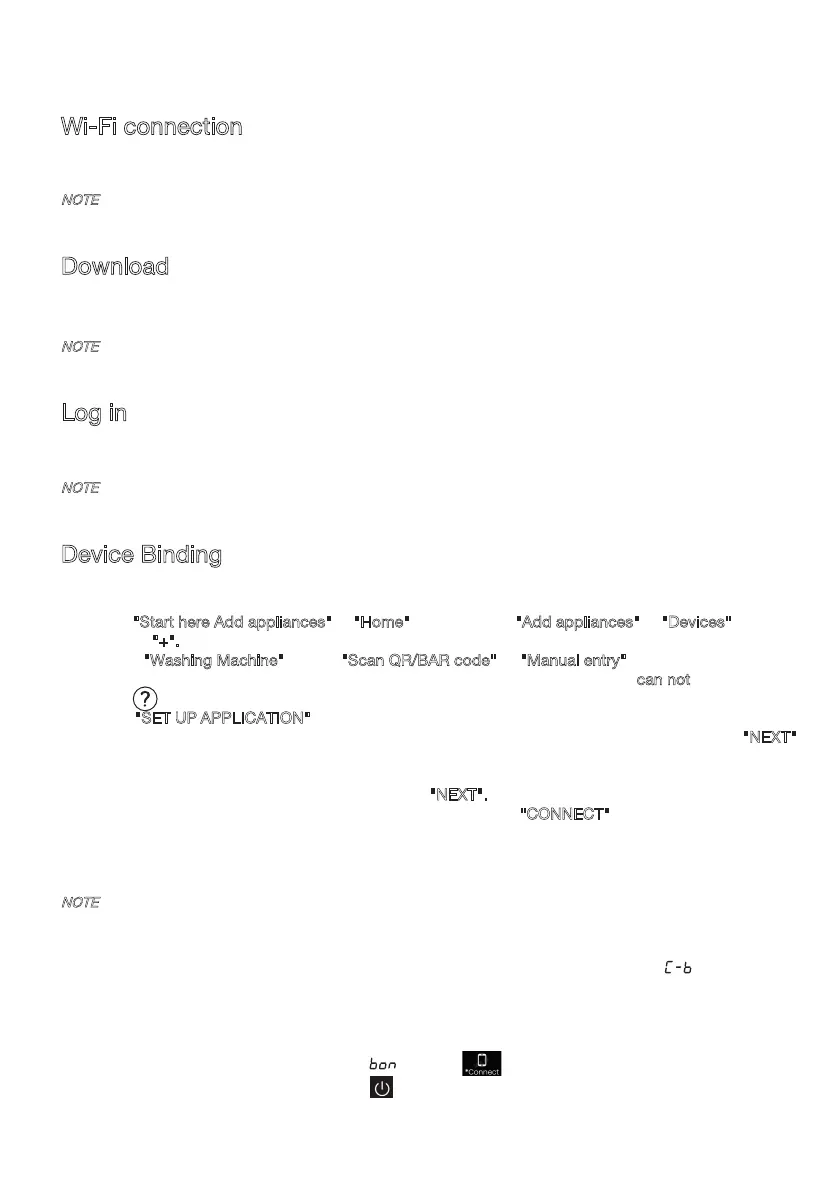
This device can support the 2.4 GHz Wi-Fi.
Wi-Fi connection
Enter the "Settings" interface on your smartphone or tablet PC, enable the Bluetooth and
Wireless Connection, and connect to the wireless network.
NOTE
Download
In the APP Store (Google Play Store, Apple App Store) on your smartphone or tablet PC, find the
ConnectLife app, download and install it.
NOTE
In order to improve performance and experience, the application may be updated without notification.
Log in
You need to log in to ConnectLife with your account first. If you do not have a ConnectLife account,
you will need to create a new one. Please refer to the App Instructions for details.
NOTE
If you already have a Google account, you can use your Google account to log in directly.
NOTE
How to reset Wi-Fi and unbind all the binding relationship of the device:
1. Press the power key to start the device and make it connect to the network normally.
2. Press the last two keys simultaneously for 3 seconds, and the screen will display " ".
3. Shut down and restart the device to make a new binding.
4.
5. How to exit the network distribution mode:
If you want to quit when screen display " " , press"
"simultaneously for 3 seconds,
Device Binding
1. Open ConnectLife on your smartphone or tablet PC;
2. Bind your device on ConnectLife as follows:
A.Click "
Start here Add appliances" in "Home" page, or click "Add appliances" in "Devices" page,
or click "+".
B.Select "
Washing Machine" or click "Scan QR/BAR code" or "Manual entry" below.
C.Scan the QR/BAR code on the device or enter the AUID/SN manually. If you c
an not find
it, click for instructions.
D.Click "SET UP APPLICATION"
E.Read the instructions, operate the device into the Networking and Binding state, and click "NEXT".
F.At this time, the app starts to search for devices, and you can select the device to be connected to
the network from the search list; If it is not found, check your bluetooth whether turn on. Bluetooth
should be keep it on at all time. And then click "NEXT".
G.Select your home Wi-Fi, enter the password, Then click the "CONNECT". The appliance will start
networking and binding.
H.After binding successfully, you can set the device name and room.
I .Now, the device can be control remotely by APP.
After unbinding, the device must be restarted, or the unbinding will fail. Unbunding
will delete users information stored in appliance before.
you can turn off the appliance by press " " or wait for 5 minutes.
58
Bekijk gratis de handleiding van Hisense WF5S1245BB, stel vragen en lees de antwoorden op veelvoorkomende problemen, of gebruik onze assistent om sneller informatie in de handleiding te vinden of uitleg te krijgen over specifieke functies.
Productinformatie
| Merk | Hisense |
| Model | WF5S1245BB |
| Categorie | Wasmachine |
| Taal | Nederlands |
| Grootte | 5142 MB |
Caratteristiche Prodotto
| Apparaatplaatsing | Vrijstaand |
| Soort bediening | Rotary, Touch |
| Kleur van het product | Zwart |
| Deurscharnieren | Links |
| Ingebouwd display | Ja |