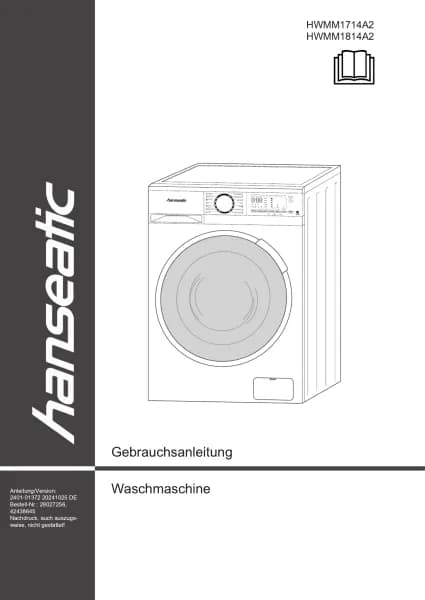
Hanseatic HWMM1814A2 handleiding
Handleiding
Je bekijkt pagina 78 van 96
Page EN-28 Additional functions
Additional functions
You can set additional functions if required
before starting the programme.
– To activate the desired auxiliary func-
tion, touch the corresponding button (7)
and (9) to (12) on the control panel (3).
– To activate additional functions, touch
the function button (8) repeatedly until
the symbol of the desired additional
function is illuminated on the control
panel.
If the auxiliary function symbol is con-
tinuously lit, the selected auxiliary func-
tion is activated.
If the auxiliary function symbol flashes,
the selected auxiliary function is not ac-
tivated.
Reason for not enabling the feature:
- The auxiliary function may not be avail-
able with the selected washing programme.
- The appliance may have exceeded the
time window for enabling the auxiliary func-
tion.
- The auxiliary function may not be compat-
ible with any of the previously selected aux-
iliary functions.
Start time preset
You can delay the start time of the washing
programme by up to 24 hours with this ad-
ditional function.
Ein/Aus
Startzeitvorwahl
Temperatur Schleudern Antiflecken Funktion Boost
3 Sakunden Türentriegelung
(12)
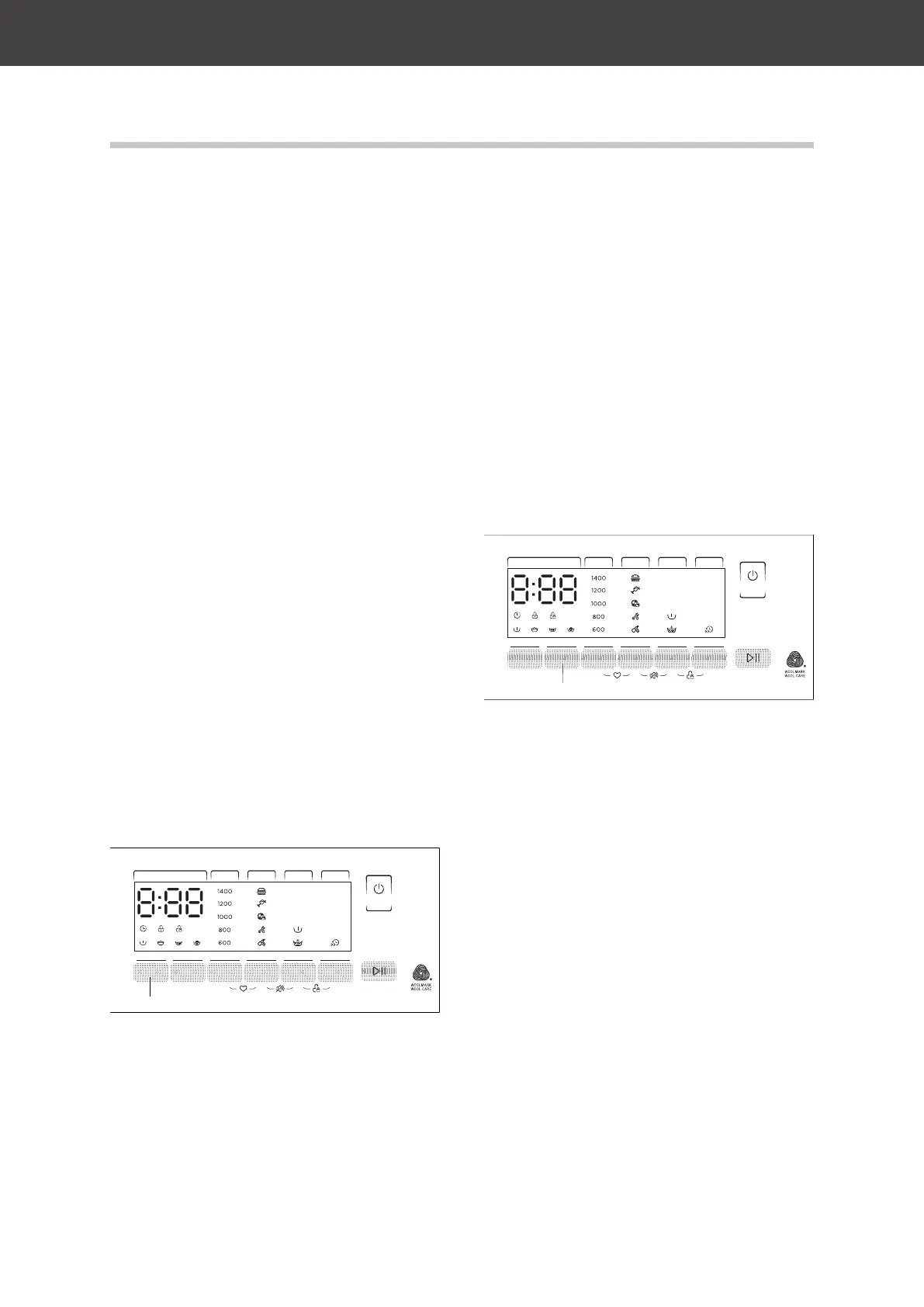
1. To activate the start time preset, touch
the Start time delay button (12) until the
desired number of hours between 0 and
24 is displayed, after which the washing
programme should start.
2. If you have skipped the number of
hours you want, touch the Start time
delay button repeatedly until you see
the number of hours you want.
3. To apply the start time preset, touch the
Start/Pause button (6).
The appliance starts the washing pro-
gramme after the time has elapsed.
To disable the start time preset:
– Touch the start time delay button (12)
until the display shows "00h".
– If the washing programme has already
started, touch the On/Off button (5) to
switch off the appliance. Switch on the
appliance again and start the desired
washing programme.
Water temperature
You can use the temperature button (11) to
set the temperature of the washing water.
Ein/Aus
Startzeitvorwahl
Temperatur Schleudern Antiflecken Funktion Boost
3 Sakunden Türentriegelung
(11)
When you select a programme, the default
temperature of the selected programme is
displayed in the display.
– To set the water temperature, touch the
temperature button until the desired wa-
ter temperature is displayed.
The cold water wash is displayed as “-C-”.
If you have skipped the desired wash water
temperature, touch the temperature button
repeatedly until the desired temperature is
displayed again.
Spin speed
You can set the spin speed for your laundry
using the spin button (10).
Bekijk gratis de handleiding van Hanseatic HWMM1814A2, stel vragen en lees de antwoorden op veelvoorkomende problemen, of gebruik onze assistent om sneller informatie in de handleiding te vinden of uitleg te krijgen over specifieke functies.
Productinformatie
| Merk | Hanseatic |
| Model | HWMM1814A2 |
| Categorie | Wasmachine |
| Taal | Nederlands |
| Grootte | 10324 MB |