Hanseatic HWDK86AD handleiding
Handleiding
Je bekijkt pagina 73 van 95
Additional functions
Page EN-23
Additional functions
You can set additional functions if required
before starting the programme.
– To activate the desired auxiliary function,
touch the corresponding button (17) to (20)
and (23) to (24) on the control panel.
– To activate additional functions, touch the
function button (21) repeatedly until the
symbol of the desired additional function is
illuminated on the control panel.
If the auxiliary function symbol is continuously
lit, the selected auxiliary function is activated.
If the auxiliary function symbol flashes, the
selected auxiliary function is not activated.
Reason for not enabling the feature:
– The auxiliary function may not be available
with the selected washing programme.
– The appliance may have exceeded the
time window for enabling the auxiliary func-
tion.
– The auxiliary function may not be compati-
ble with any of the previously selected aux-
iliary functions.
Customised settings
Your appliance’s cycle selection includes a
“Custom” cycle. The Cotton cycle is config-
ured as standard here. But you can also store
a custom cycle that you have adjusted and
would like to use frequently.
1. Select the cycle that you wish to save.
2. Press and hold the U/Min
Select the cycle that you wish to save.
button (20)
for approx. 3 seconds before you start the
cycle.
Starting custom cycle
• You can select the custom cycle (“Cus-
tom”) using the cycle selector (1) and start
as normal.
Start time pre-selection
The cycle usually starts as soon as you have
pressed the button (4).
The appliance offers two ways to delay the
start of the cycle. The start time delay can
be set in one-hour increments. The maximum
start time pre-selection is 24 hours.
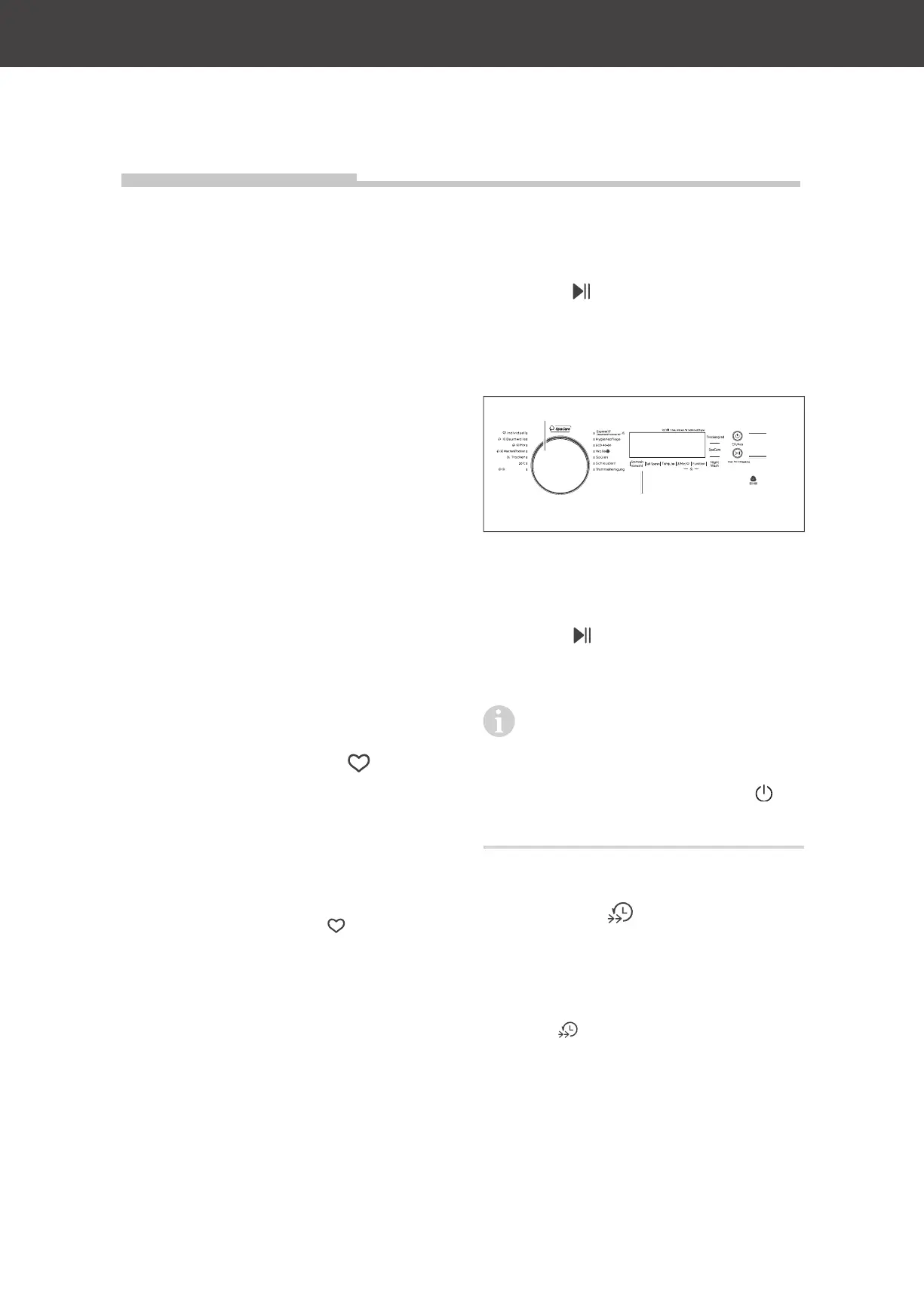
Baby Comfort
(3)
(4)
(1)
(17)
1. Select the desired cycle using the cycle
selector (1).
2. Press the “Start time pre-selection” but-
ton (17) until the desired start time is set.
3. Press the button (4)
The cycle will start automatically after the
set start delay period has finished.
If you wish to stop the start time
pre-selection, press the start time
pre-selection button (17), until the display
(5) shows 0 hours.
If the cycle already started, press the
button (3) to switch off the device. Switch
on again and set the desired programme..
Speed wash
“Speed wash” is recommended for lightly
soiled laundry. The appliance will wash the
laundry in a very short time.
• Press the button speed wash (18). The
symbol
lights up in the display.
Bekijk gratis de handleiding van Hanseatic HWDK86AD, stel vragen en lees de antwoorden op veelvoorkomende problemen, of gebruik onze assistent om sneller informatie in de handleiding te vinden of uitleg te krijgen over specifieke functies.
Productinformatie
| Merk | Hanseatic |
| Model | HWDK86AD |
| Categorie | Wasmachine |
| Taal | Nederlands |
| Grootte | 9788 MB |