
Grundig GW7P810418MB2 ES handleiding
Handleiding
Je bekijkt pagina 81 van 96
EN / 81
6.8.2 Functions/Programmes Selec-
ted by Pressing the Function
Keys for 3 Seconds
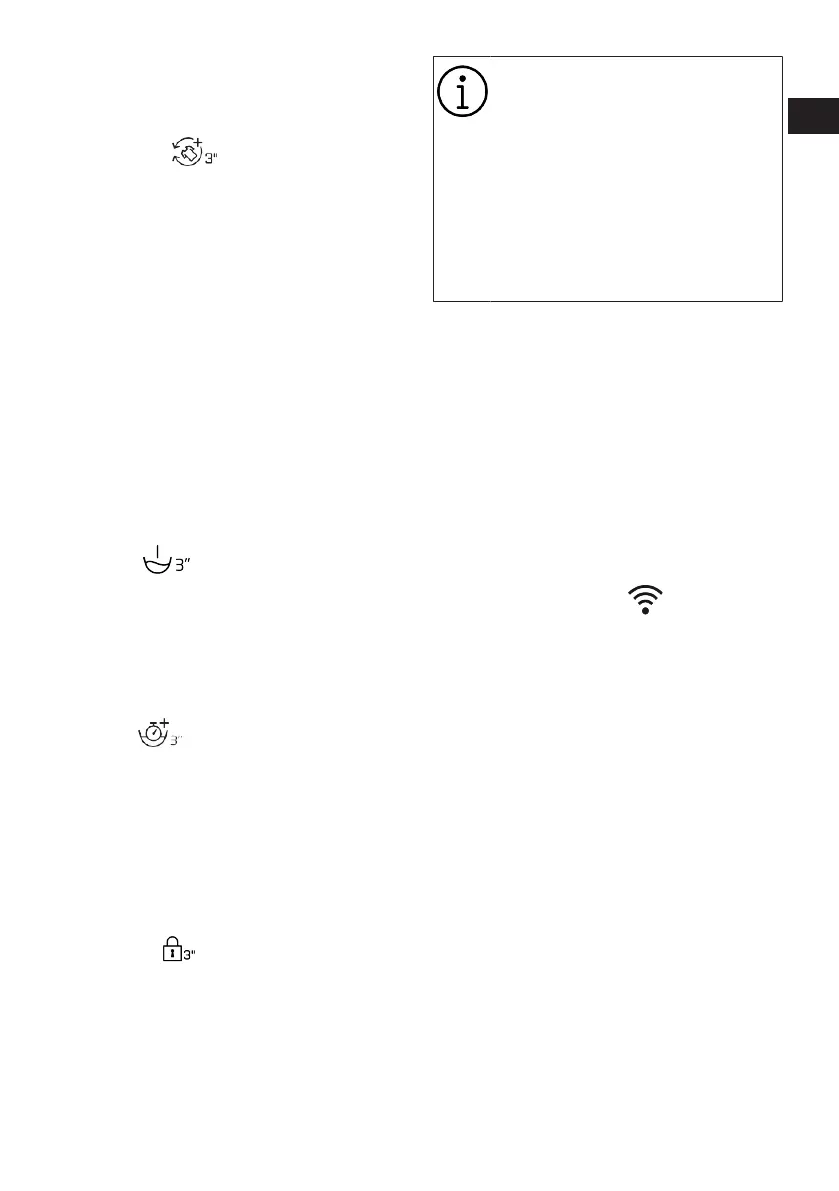
• AntiCrease+
This function is selected when the relevant
Auxiliary function button is pressed and
held for 3 seconds and the programme fol-
low-up light for the relevant step turns on.
When the function is selected, the drum ro-
tates for up to 8 hours for preventing the
laundry from creasing at the end of the pro-
gramme. You can cancel the programme
and take your laundry out at any time dur-
ing the 8-hour duration. Press the function
selection button or the product on/off but-
ton to cancel the function. The programme
follow-up light will remain on until the func-
tion is cancelled, or the step is complete. If
the function is not cancelled, it will be act-
ive in the subsequent washing cycles as
well.
• Prewash
This function can be selected by pressing
and holding the related auxiliary function
button for 3 seconds.
A Prewash is only worthwhile for heavily
soiled laundry. Not using the Prewash will
save energy, water, detergent and time.
• Soaking
This function can be selected by pressing
and holding the related auxiliary function
button for 3 seconds.
The Soaking in Water auxiliary function en-
sures that the stains that have penetrated
into the laundry are cleaned better by soak-
ing the laundry in detergent water before
the washing process starts.
• Child Lock
Use Child Lock function to prevent children
from tampering with the product. Thus you
can avoid any changes in a running pro-
gramme.
You can switch on and off the
product with On / Off button when
the Child Lock is active. When you
switch on the product again, pro-
gramme will resume from where it
has stopped.
When the Child Lock is enabled, an
audio warning will be given if the
buttons are pressed. Audio warning
will be cancelled if the buttons are
pressed five times consecutively.
To activate the child lock:
Press and hold the related auxiliary func-
tion button for 3 seconds. After the count-
down as “3-2-1" on the display is over, Child
Lock symbol appears on the display. When
this warning is displayed, you can release
the Auxiliary Function button 3.
To deactivate the child lock:
Press and hold the related auxiliary func-
tion button for 3 seconds. After the count-
down as “3-2-1" on the display is over, Child
Lock symbol disappears.
• Wireless Connection
You can match your machine and your
smart devices with the wireless connec-
tion. This way, you can use your smart
device to get information about your ma-
chine and control it.
To activate wireless connection:
Press and hold Remote Control button for 3
seconds. After countdown “3-2-1” on the
display ends, “On” symbol appears. When
this notification is displayed stop pressing
the remote control button. The wireless
connection icon blinks when the product is
connecting the internet. If connection is
successful, icon will remain on.
To deactivate wireless connection:
Press and hold Remote Control button for 3
seconds. Countdown “3-2-1” will be dis-
played, and then “Off” symbol will appear
on the display.
RO
EN
Bekijk gratis de handleiding van Grundig GW7P810418MB2 ES, stel vragen en lees de antwoorden op veelvoorkomende problemen, of gebruik onze assistent om sneller informatie in de handleiding te vinden of uitleg te krijgen over specifieke functies.
Productinformatie
| Merk | Grundig |
| Model | GW7P810418MB2 ES |
| Categorie | Wasmachine |
| Taal | Nederlands |
| Grootte | 9139 MB |




