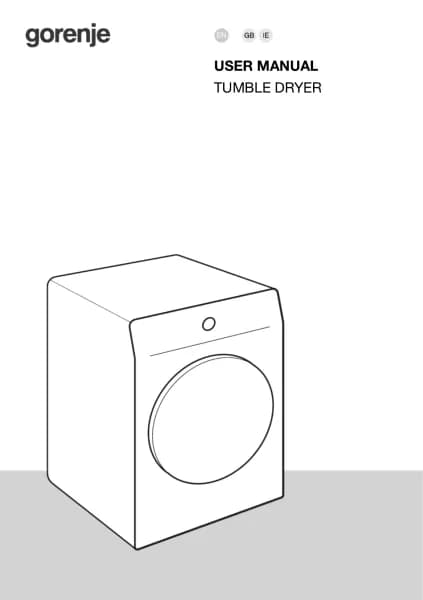
Gorenje DPNE92/GNLWIFI handleiding
Handleiding
Je bekijkt pagina 15 van 63
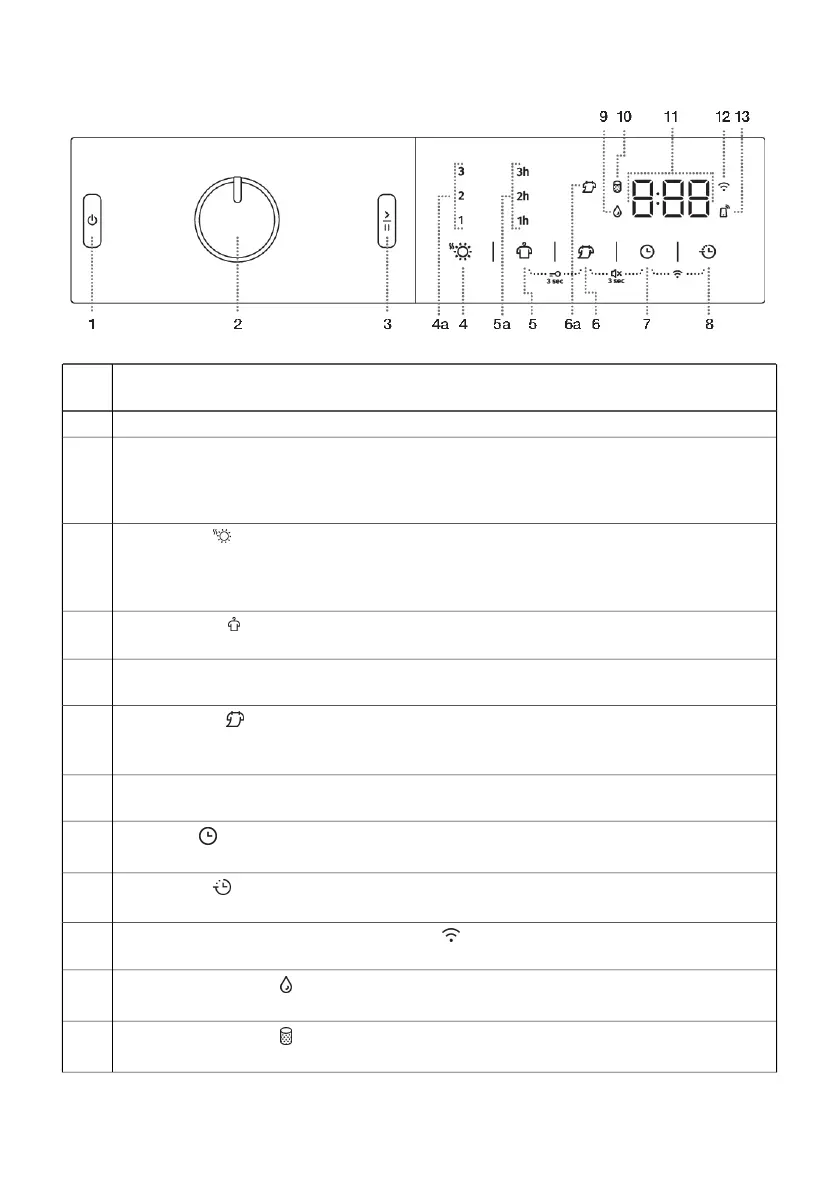
Control unit
ON/OFF BUTTON
Switching the dryer on and off.
1
PROGRAMME SELECTOR KNOB2
START/PAUSE BUTTON
Use this button to start or stop the programme.
Upon start-up or during pause, the button light will flash; when the programme is started
and in progress, it will be lit continuously.
3
EXTRA DRY (DRYNESS LEVEL)
The symbol is lit when the function is selected.
4a Additional functions (1,2,3) allow you to choose a higher level of dryness and extend the
drying time.
4
ANTI CREASE (CREASE PREVENTION)
5a The selected operating time of the function will light up.
5
Child lock ON/OFF
Press the positions 5+6 and hold them for 3 seconds.
5+6
NATURE DRY (LOWER TEMPERATURE)
Option to dry at a lower temperature.
6a The symbol lights up when the NATURE DRY function is selected.
6
Sound ON/OFF
Press the positions 6+7 and hold them for 3 seconds.
6+7
TIME DRY (TIMED DRYING)
Option to set the drying time.
7
DELAY END (DELAYING THE END OF THE DRYING PROGRAM)
8
Option to set the time when the drying will end.
SWITCHING ON/OFF the Wi-Fi connection
Press the positions 7+8.
7+8
Lighting of the symbol
EMPTY THE CONDENSATE TANK
9
Lighting of the symbol
CLEAN THE FILTER
10
15
Bekijk gratis de handleiding van Gorenje DPNE92/GNLWIFI, stel vragen en lees de antwoorden op veelvoorkomende problemen, of gebruik onze assistent om sneller informatie in de handleiding te vinden of uitleg te krijgen over specifieke functies.
Productinformatie
| Merk | Gorenje |
| Model | DPNE92/GNLWIFI |
| Categorie | Wasmachine |
| Taal | Nederlands |
| Grootte | 4636 MB |