GE GFW350SPY handleiding
Handleiding
Je bekijkt pagina 14 van 114
14 49-3000368 Rev 2
APPLIANCE COMMUNICATION
Appliance Communication
WiFi Connect (For customers in the United States only - GE Appliances and Profile
models only)
Your washer is GE Appliances WiFi Connect enabled.
It is highly recommended that you connect your washer to WiFi to
download the latest software, receive periodic updates and benefit
from many of the extended features available through the SmartHQ
App. Many of the AI features for your washer require connection to
the SmartHQ App.
Visit GEAppliances.com/connect and enter your model number to
show you the proper steps to connect your appliance.
Take special note of your washer’s serial number and MAC ID address
on the front of this manual.
Please visit GEAppliances.com/connect to learn more about
connected appliance features and to learn what connected appliance
App’s will work with your smartphone.
WiFi Connectivity: For assistance with the appliance or the
ConnectPlus network connectivity, please call GE Appliances at
800.220.6899.
Scan here to get started.
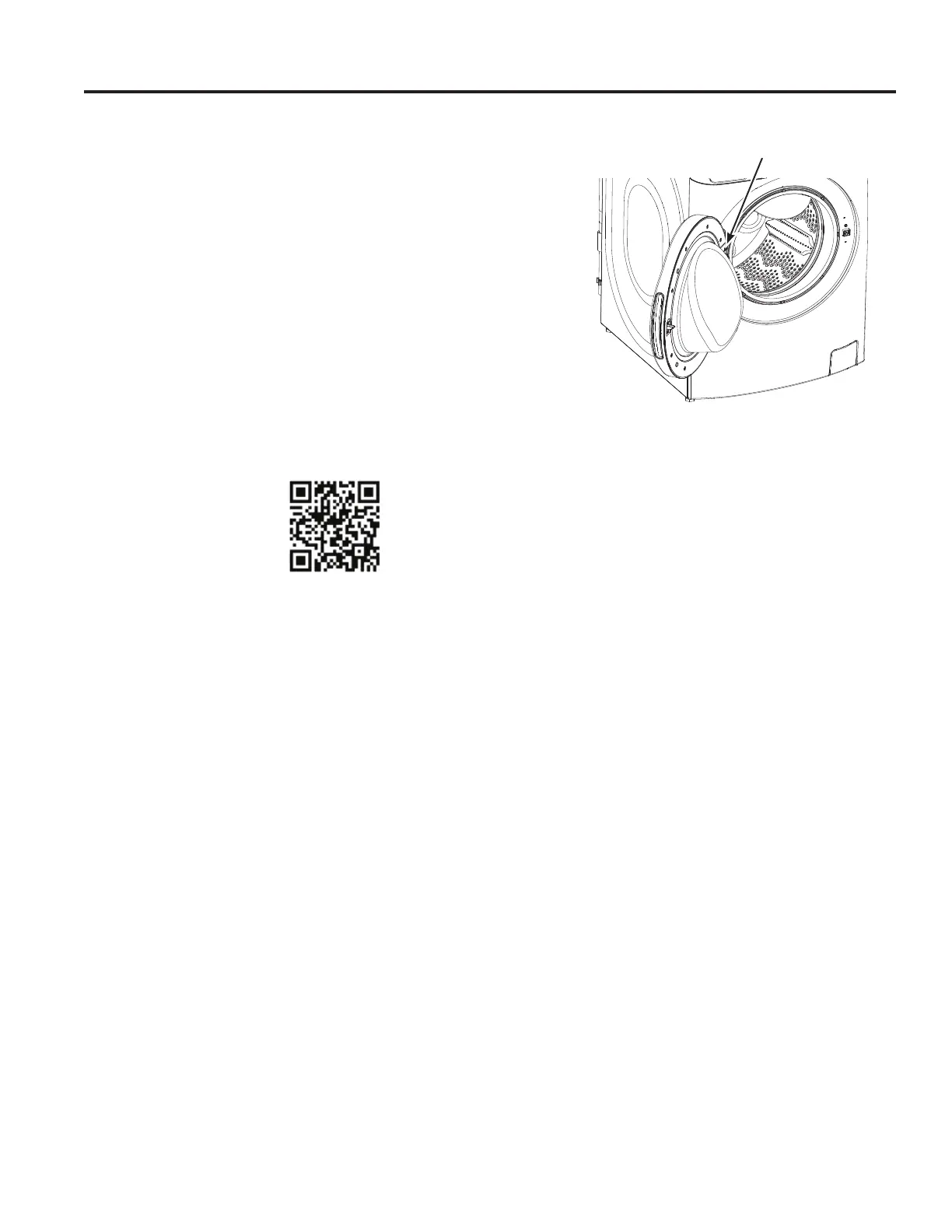
WiFi Label Location
Bekijk gratis de handleiding van GE GFW350SPY, stel vragen en lees de antwoorden op veelvoorkomende problemen, of gebruik onze assistent om sneller informatie in de handleiding te vinden of uitleg te krijgen over specifieke functies.
Productinformatie
| Merk | GE |
| Model | GFW350SPY |
| Categorie | Wasmachine |
| Taal | Nederlands |
| Grootte | 18347 MB |