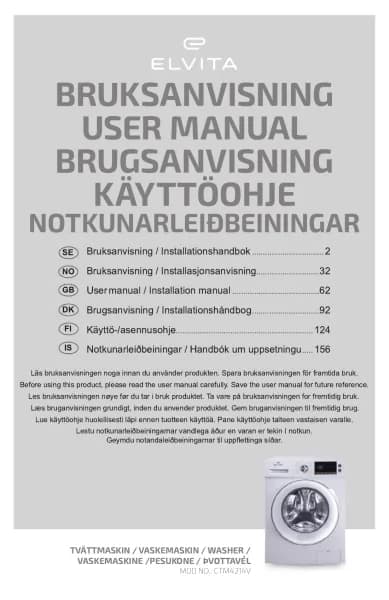
Elvita CTM5214V handleiding
Handleiding
Je bekijkt pagina 19 van 300
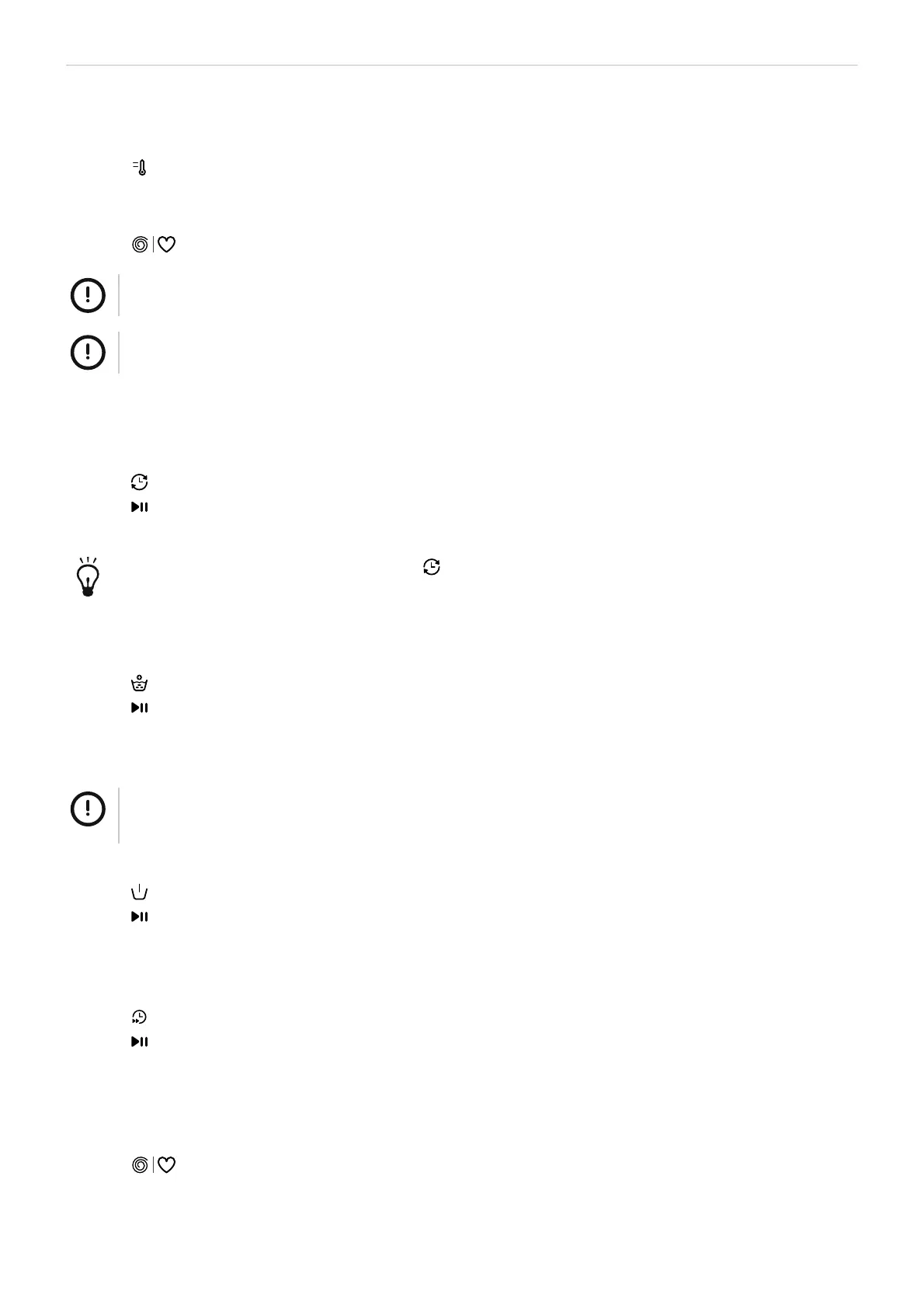
Washing - ENGLISH 19
Change the temperature
1. Turn the programme selector to select a programme.
2.
Press to cycle through the available temperatures: (Cold, 20°C, 30°C, 40°C, 60°C, 90°C)
Change the spin speed
1.
Press to cycle through the available speeds: (0, 600, 800, 1000, 1200, 1400)
NOTE!
When no spin speed is indicated on the display the spin speed is 0.
NOTE!
Higher spin speeds create more noise and lower residual moisture content.
Use the Delay option
1. Turn the programme selector to select a programme.
2. Change settings and select options if needed.
3.
Press to cycle through the available delay times.
4.
Press .
The washing cycle will start after the delay time has passed.
You can cancel the delay timer by pressing to cycle through the available delay times until the display
shows 0H.
Use the Extra Rinse option
1. Turn the programme selector to select a programme.
2.
Press .
3.
Press .
Use the Pre-wash option
NOTE!
You need to add pre-wash detergent when you select this option. See section "Detergent dispenser", page
13.
1. Turn the programme selector to select a programme.
2.
Press .
3.
Press .
Use the Speed Wash option
1. Turn the programme selector to select a programme.
2.
Press .
3.
Press .
Use the My cycle function
You can save a frequently used programme for quick access. The default programme is Cotton.
1. Select a programme and the settings and options you want to use.
2.
Press for 3 seconds to add the current programme and settings to the memory.
Bekijk gratis de handleiding van Elvita CTM5214V, stel vragen en lees de antwoorden op veelvoorkomende problemen, of gebruik onze assistent om sneller informatie in de handleiding te vinden of uitleg te krijgen over specifieke functies.
Productinformatie
| Merk | Elvita |
| Model | CTM5214V |
| Categorie | Wasmachine |
| Taal | Nederlands |
| Grootte | 24683 MB |