Elvita CTM4613V handleiding
Handleiding
Je bekijkt pagina 19 van 368
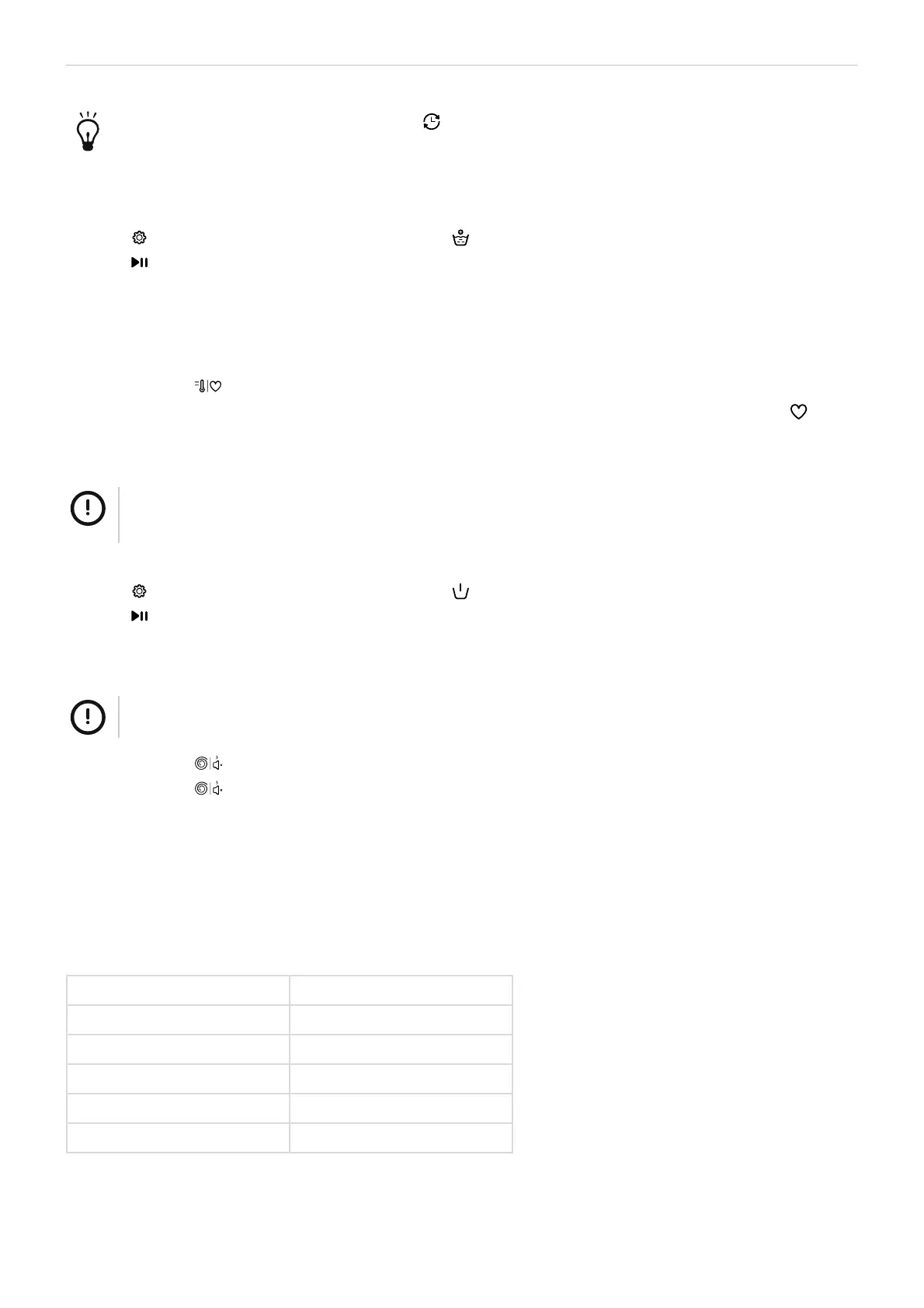
Washing - ENGLISH 19
You can cancel the delay timer by pressing to cycle through the available delay times until the
indicator lights 9H, 6H, 3H are off.
Use the Extra Rinse option
1. Turn the programme selector to select a programme.
2.
Press to cycle through the available options until the indicator light comes on.
3.
Press .
Use the My cycle function
You can save a frequently used programme for quick access.
1. Select a programme and the settings and options you want to use.
2.
Press and hold for 3 seconds to add the current programme and settings to the memory.
Your programme and settings are now stored and can be used by turning the programme selector to My Cycle .
Use the Pre-wash option
NOTE!
You need to add pre-wash detergent when you select this option. See section "Detergent dispenser", page
12.
1. Turn the programme selector to select a programme.
2.
Press to cycle through the available options until the indicator light comes on.
3.
Press .
Mute and unmute the acoustic signal
NOTE!
The acoustic signal will not sound when it is muted.
1.
Press and hold for 3 seconds to mute the acoustic signal.
2.
Press and hold for 3 seconds to unmute the acoustic signal.
The setting will be remembered until the next reset.
Washing programmes
20 °C
20°C as default temperature. Cold water can also be selected.
Default temperature 20°C
Default time 1:01
Default speed 1000rpm
Maximum load, washing 3.0kg
Pre-wash detergent Optional
Main wash detergent Essential
Bekijk gratis de handleiding van Elvita CTM4613V, stel vragen en lees de antwoorden op veelvoorkomende problemen, of gebruik onze assistent om sneller informatie in de handleiding te vinden of uitleg te krijgen over specifieke functies.
Productinformatie
| Merk | Elvita |
| Model | CTM4613V |
| Categorie | Wasmachine |
| Taal | Nederlands |
| Grootte | 32685 MB |