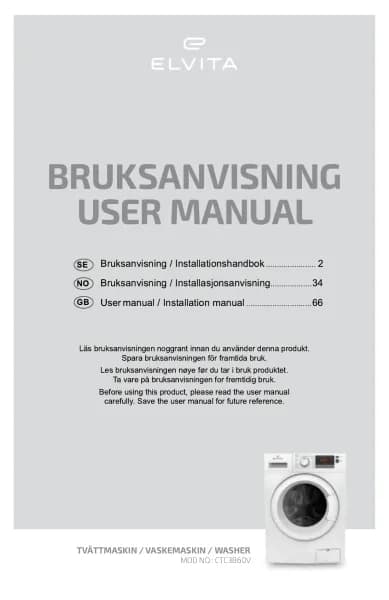
Elvita CTC6860V handleiding
Handleiding
Je bekijkt pagina 15 van 396
Getting started - ENGLISH 15
1.
Press and hold and for 3 seconds until an acoustic signal sounds.
•
is displayed.
•
All buttons except are now locked. is flashing when any other button is pressed.
• The display alternates between CL and the remaining programme time.
• When the programme ends, the display alternates between CL and End.
2.
Press and hold and for 3 seconds to deactivate the child lock.
NOTE!
• To change programme when the child lock is activated, deactivate the child lock and turn off the machine,
then select programme.
NOTE! Turning the power off and on will not deactivate the child lock.
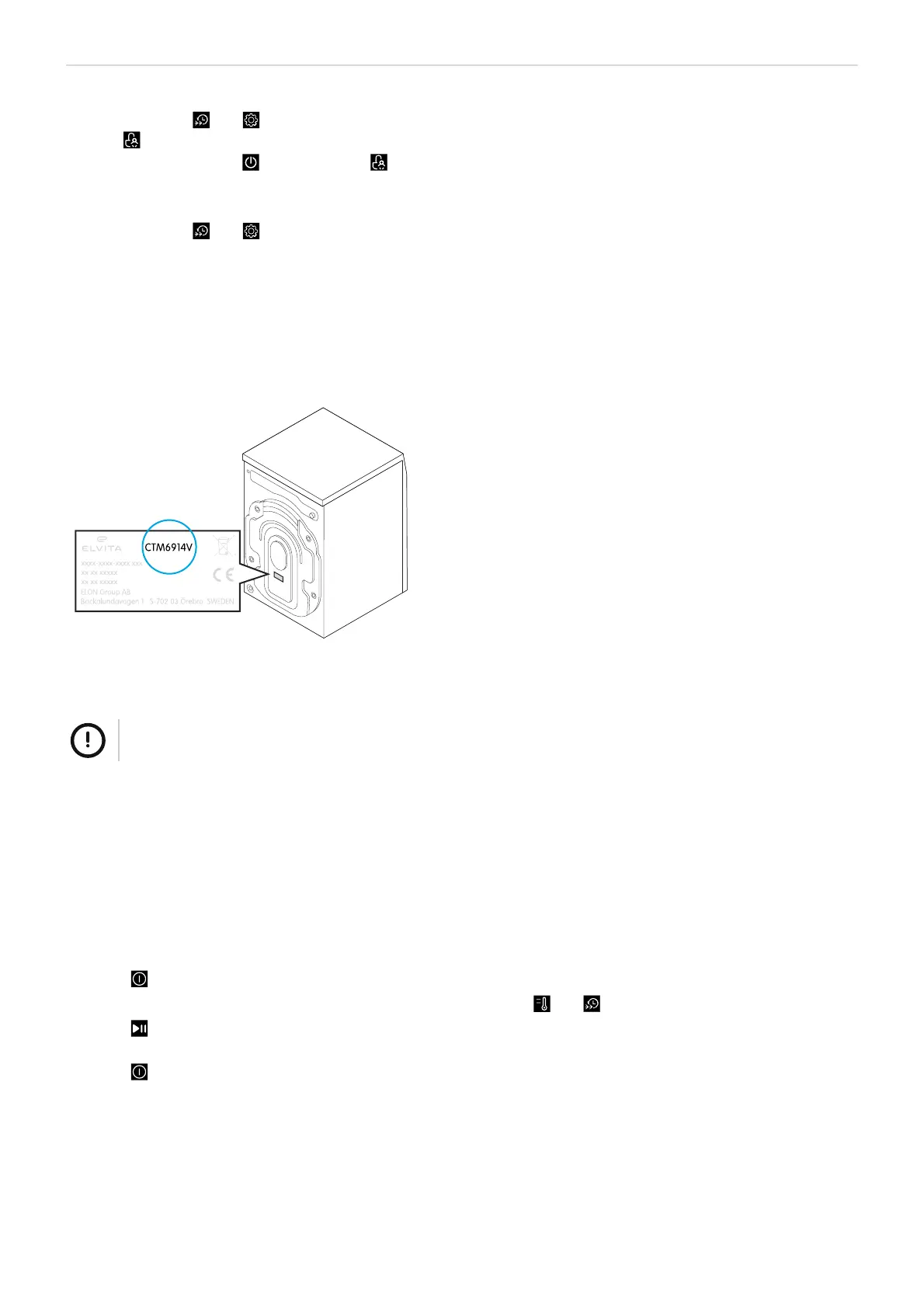
Find the model code
The model code is printed on a label on the product. You need the code to find the complete and most recent information,
service and support for your product model.
NOTE!
This product and label text are examples. Your product and text may have a different look and content.
Before first use
Calibrate the machine
Calibration optimises the automatic load detection. This minimises the consumption of energy and water, saves money
and reduces the washing time.
1. Make sure the machine is empty.
2. Plug in the power cord.
3.
Press to turn on the machine.
4.
Within 10 seconds after the machine was turned on, touch and hold and until t19 is displayed.
5.
Press .
NOTE! Calibration is completed when the drum stops rotating and the digits stop flashing.
6.
Press to turn off the machine and to finalise the calibration.
Run an empty washing cycle
Make sure that the machine is installed and calibrated properly.
1. Plug in the power cord.
Bekijk gratis de handleiding van Elvita CTC6860V, stel vragen en lees de antwoorden op veelvoorkomende problemen, of gebruik onze assistent om sneller informatie in de handleiding te vinden of uitleg te krijgen over specifieke functies.
Productinformatie
| Merk | Elvita |
| Model | CTC6860V |
| Categorie | Wasmachine |
| Taal | Nederlands |
| Grootte | 38961 MB |