
Handleiding
Je bekijkt pagina 23 van 31
SW601960 Rev. F, page 23 of 31
User Manual – 32/42/43/5543L Series IDS
Section 6: Safety & Maintenance
Safety
To avoid risk of electric shock, follow all safety notices and do not disassemble the touch display. They are not
user-serviceable.
Ensure that your installation is equipped to maintain the specified environmental conditions listed in the Technical
Specifications Section.
Care and Handling
The following tips will help keep your touch display functioning at an optimal level:
• Disconnect the AC power cable before cleaning.
• To clean the display unit cabinet, use a clean cloth lightly dampened with a mild detergent.
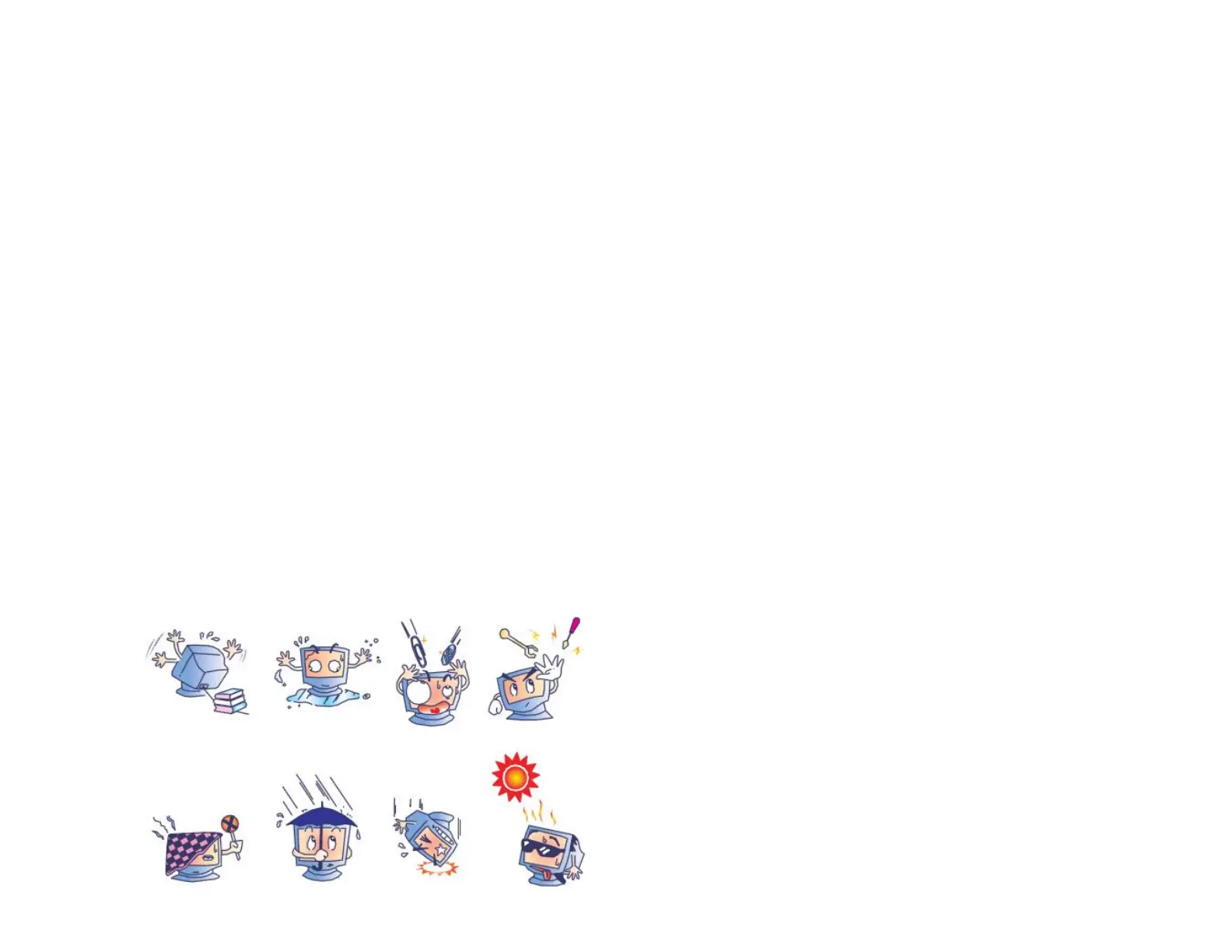
• It is important that your unit remains dry. Do not get liquids on or inside the unit. If liquid does get inside, have a qualified service technician check it before you
power it on again.
• Do not wipe the screen with a cloth or sponge that could scratch the surface.
• To clean the touchscreen, use window or glass cleaner applied to a clean cloth or sponge. Never apply the cleaner directly to the touchscreen. Do not use alcohol
(methyl, ethyl or isopropyl), thinner, benzene, or other abrasive cleaners.
• For TouchPro touchscreens, handle carefully when moving or installing the touch display to prevent breakage of the glass.
Bekijk gratis de handleiding van ELO 4243L, stel vragen en lees de antwoorden op veelvoorkomende problemen, of gebruik onze assistent om sneller informatie in de handleiding te vinden of uitleg te krijgen over specifieke functies.
Productinformatie
| Merk | ELO |
| Model | 4243L |
| Categorie | Monitor |
| Taal | Nederlands |
| Grootte | 4043 MB |
Caratteristiche Prodotto
| Kleur van het product | Zwart |
| Gewicht | 20000 g |
| Breedte | 978 mm |
| Diepte | 65 mm |
| Hoogte | 575 mm |


