Electrolux EFI974EY6S handleiding
Handleiding
Je bekijkt pagina 15 van 352
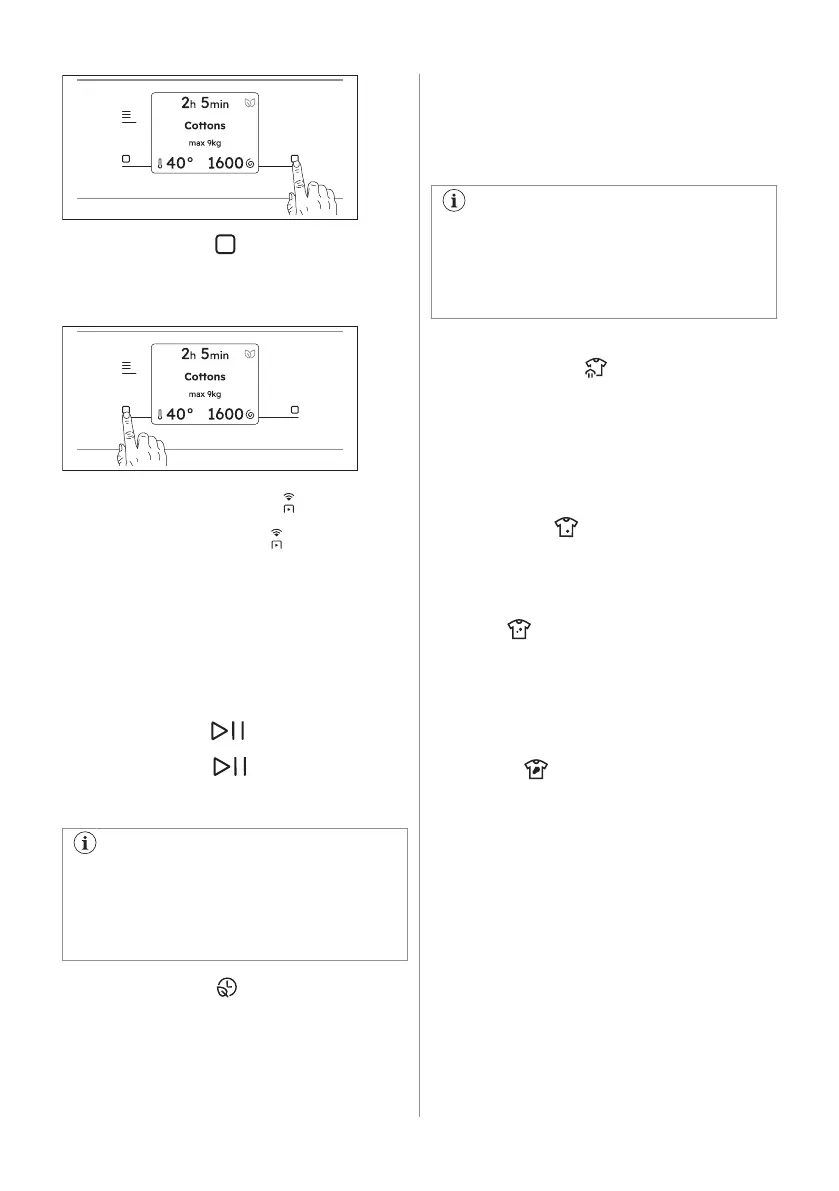
Tap the left soft key to prompt the action
that appears on the left bottom of the display
(ex. adjust temperature, activate or deactivate
an option,...)
7.5 Remote Start Mode
A quick touch of this button activates the
Remote Start function that allows you to start,
pause and stop the appliance remotely.
Activating the Remote Start Mode function
will lock the door and the machine goes in a
stand-by status.
To exit this state, tap again the button and
turn it off.
7.6 Start/Pause
Tap the Start/Pause button to start,
pause the appliance or interrupt a running
programme.
A message in the display inform you that
the cycle can pause to add or remove
garments. Read the 'Opening the door -
Adding garments' section for more
details.
7.7 SmartSelect
Washing
This new feature has been created to guide
the user to save energy, time and water
improving the care of fabrics and consumer
experience.
For each washing cycle it is possible to have
different durations and consumption, based
on the level of soiling of the laundry.
For each programme the appliance
suggest a default soil level with a specific
temperature. If you change the
temperature manually, the soil level could
change.
There are four possible options:
1. Steam Refresh
With this SmartSelect level the user
selects Steam Refresh programme.
It can reduce wrinkles and light odours
and will refresh clothes that does not
need a wash.
Multiple tapping on the icon allows to
manage three different cycle durations.
2. Extra Light
This option is recommended for very
lightly soiled clothing, without visible
stains. The suggested temperature is
20°C.
3. Light
This option is ideal for everyday light
soiled clothes, with small stains for
example sweat. The suggested
temperature is 30°C.
The light soil level is the one being used
most in the default setting.
4. Normal
This option is recommended for normal/
heavy soiled clothes, with for example
food spills or mud.
To activate one of this options turn the dial to
select the desired programme. The default
soil level icon light on.
To change it tap on the related icon.
ENGLISH 15
Bekijk gratis de handleiding van Electrolux EFI974EY6S, stel vragen en lees de antwoorden op veelvoorkomende problemen, of gebruik onze assistent om sneller informatie in de handleiding te vinden of uitleg te krijgen over specifieke functies.
Productinformatie
| Merk | Electrolux |
| Model | EFI974EY6S |
| Categorie | Wasmachine |
| Taal | Nederlands |
| Grootte | 33928 MB |