
Dacor DDW24G9000AP handleiding
Handleiding
Je bekijkt pagina 57 van 88
Download Cycle
Beside the default cycles, you can download and use additional cycles on your phone.
1. Press Power button, and then select the Download Cycle.
2. Select a downloadable cycle on your phone app.
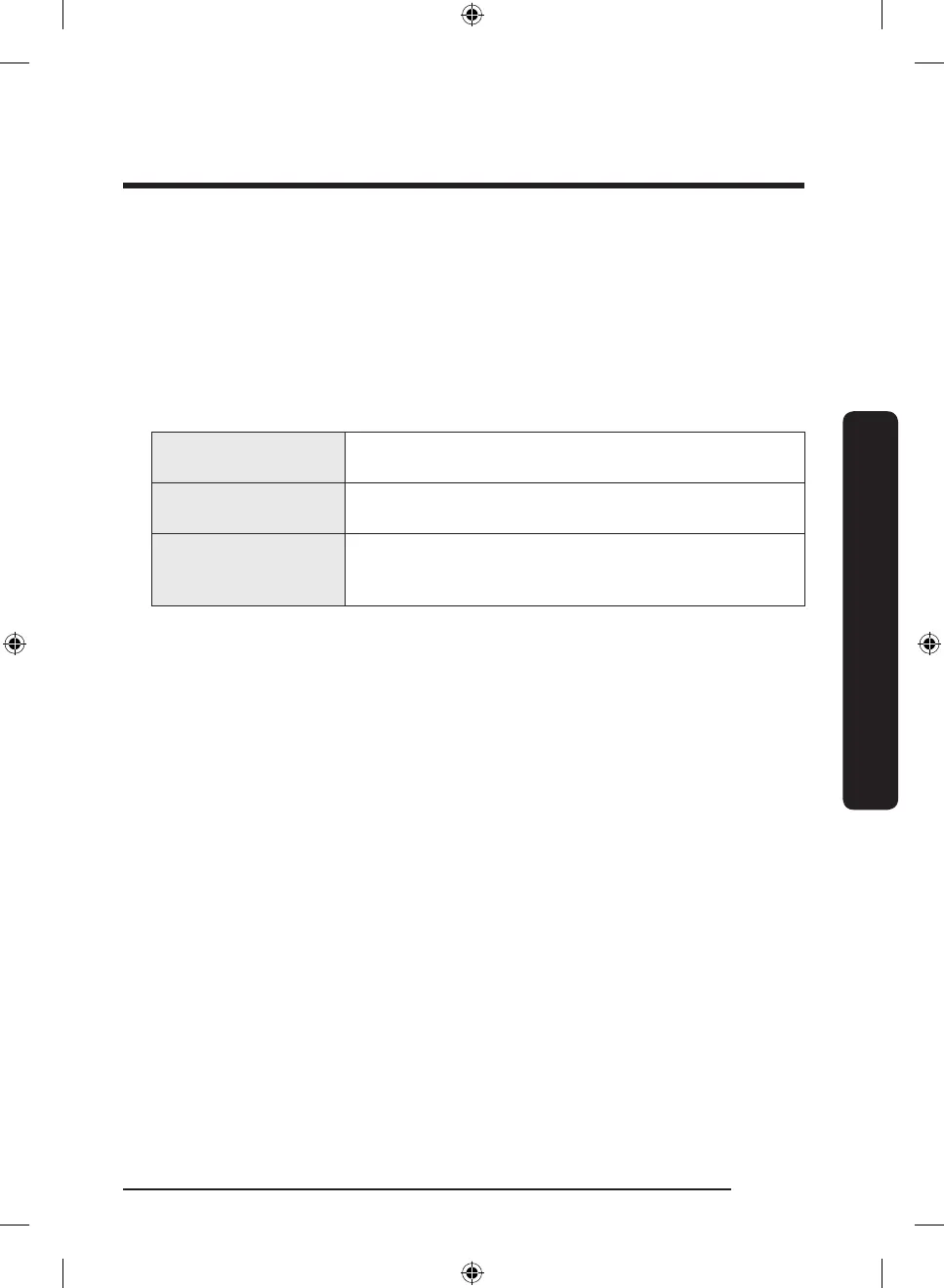
Cycles available: Pots Pans, Baby Care, Night.
- The default cycle is Pots Pans.
- You can save the downloaded cycle for future use.
3. Press Start button, and close the door of the dishwasher.
Pots Pans
Appropriate for cleaning cookware such as pans and pots
that are likely to be soiled heavily.
Baby Care
Use this cycle to rinse dishes with high-temperature water
before drying. No detergent is applied.
Night
Use this cycle for normal dishwashing after a meal. This
cycle takes longer time but makes less noise compare to
the Normal cycle
English 57
Operations
DD68-00250L-00_IB_DACOR_DW8700B_EN.indd 57 2024-01-11 3:09:41
Bekijk gratis de handleiding van Dacor DDW24G9000AP, stel vragen en lees de antwoorden op veelvoorkomende problemen, of gebruik onze assistent om sneller informatie in de handleiding te vinden of uitleg te krijgen over specifieke functies.
Productinformatie
| Merk | Dacor |
| Model | DDW24G9000AP |
| Categorie | Wasmachine |
| Taal | Nederlands |
| Grootte | 8683 MB |