
Dacor DDW24G9000AP handleiding
Handleiding
Je bekijkt pagina 55 van 88
09 Start
To start a cycle, press the Start button before closing the door.
Cancel & Drain: To cancel a currently running cycle and drain the
dishwasher, press and hold the Start button for three (3) seconds.
Once the dishwasher is reset, select a cycle and option, and then
press Start to restart the dishwasher.
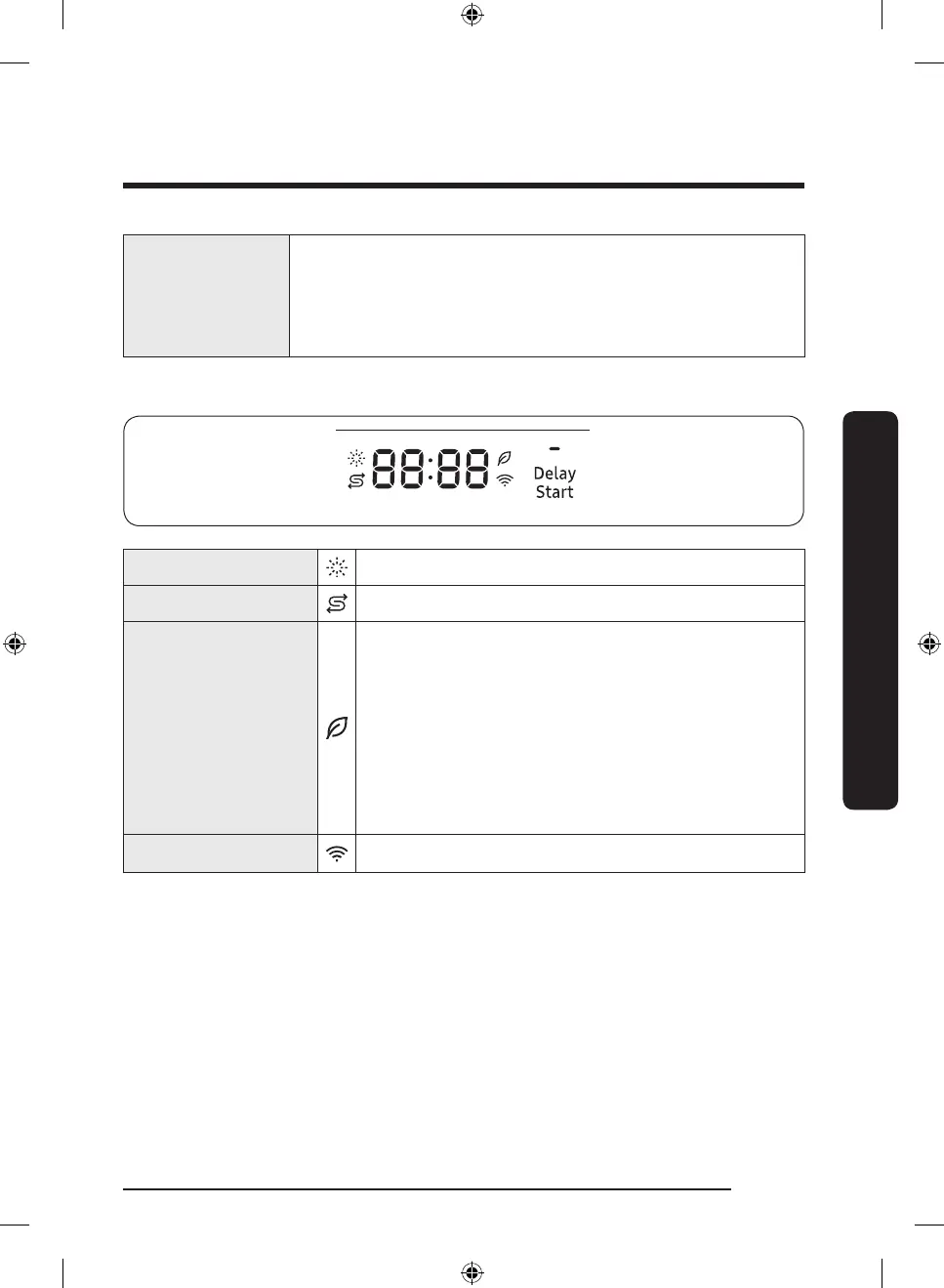
Indicators
Rinse Rell indicator Lights up if the dishwasher runs out of rinse aid.
Salt Rell Indicator Lights up if Salt rell is activated.
AI Energy mode
indicator
• AI Energy mode becomes active when the
SmartThings app allows it to be enabled.
• With the AI Energy mode enabled, the indicator turns
on if an AI Energy mode compatible cycle is selected.
• Not all cycles are available with this mode.
The indicator turns off if an AI Energy mode
incompatible cycle is selected.
• AI Energy mode helps reduce power consumption.
However, it takes a longer cycle time.
Smart Control Lights up if SmartThings is activated.
English 55
Operations
DD68-00250L-00_IB_DACOR_DW8700B_EN.indd 55 2024-01-11 3:09:41
Bekijk gratis de handleiding van Dacor DDW24G9000AP, stel vragen en lees de antwoorden op veelvoorkomende problemen, of gebruik onze assistent om sneller informatie in de handleiding te vinden of uitleg te krijgen over specifieke functies.
Productinformatie
| Merk | Dacor |
| Model | DDW24G9000AP |
| Categorie | Wasmachine |
| Taal | Nederlands |
| Grootte | 8683 MB |