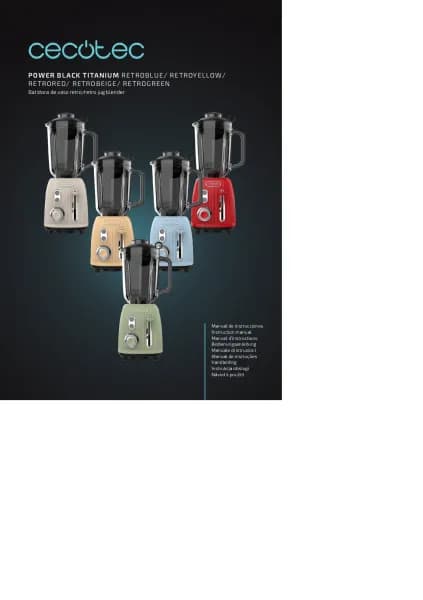
Handleiding
Je bekijkt pagina 29 van 56

POWER TITANIUM 1800 SMART
29
ENGLISH
1. PARTS AND COMPONENTS
1. Measuring cup
2. Lid
3. Glass blending jar
4. Blade bracket
5. Sealing ring
6. Jug base
7. Control panel
8. Main body
9. Power selector
10. Functions
11. Turbo function push button
2. BEFORE USE
- Take the product out of the box and remove all packaging materials.
- Make sure all parts and accessories are included, and check that they do not show any
signs of damage. If there area any, contact the ofcial Technical Support Service of Cecotec.
- Place the appliance on a at, stable and dry surface.
3. OPERATION
Power knob
1. Set the power knob to “0” to turn the device off.
2. Set the power knob to “Program” to set standby mode.
3. Set the knob to “Program” and press the Turbo push button to activate the turbo function.
4. Turn the knob towards “Min” to select lower power level or towards “Max” to select
maximum power level.
Function buttons
1. The jug blender includes 3 functions: Ice crush, Autoclean and Smoothie.
2. To select the desired function, turn the knob to “Program” and then press the desired
function button.
3. To stop the product from operating, press again the button of the function which is
operating at that moment, for example: if the device is operating under smoothie mode,
press again the smoothie button to stop.
Bekijk gratis de handleiding van Cecotec Power Black Titanium 1800 Smart, stel vragen en lees de antwoorden op veelvoorkomende problemen, of gebruik onze assistent om sneller informatie in de handleiding te vinden of uitleg te krijgen over specifieke functies.
Productinformatie
| Merk | Cecotec |
| Model | Power Black Titanium 1800 Smart |
| Categorie | Blender |
| Taal | Nederlands |
| Grootte | 4301 MB |
Caratteristiche Prodotto
| Soort bediening | Buttons, Rotary |
| Kleur van het product | Zwart |
| Gewicht | 4700 g |
| Breedte | 190 mm |
| Diepte | 190 mm |