Cecotec Bolero DressCode 9500 Inverter A handleiding
Handleiding
Je bekijkt pagina 38 van 128
BOLERO DRESSCODE 9500 INVERTER A / BOLERO DRESSCODE 9500 INVERTER STEEL A
7574
ENGLISH ENGLISH
Model Bolero
DressCode
9500 Inverter
Steel A
Bolero
DressCode
9500 Inverter
Steel A X
Bolero
DressCode
9500 Inverter
Steel A M
Bolero
DressCode
9500 Inverter
Steel A S
Bolero
DressCode
9500 Inverter
Steel A T
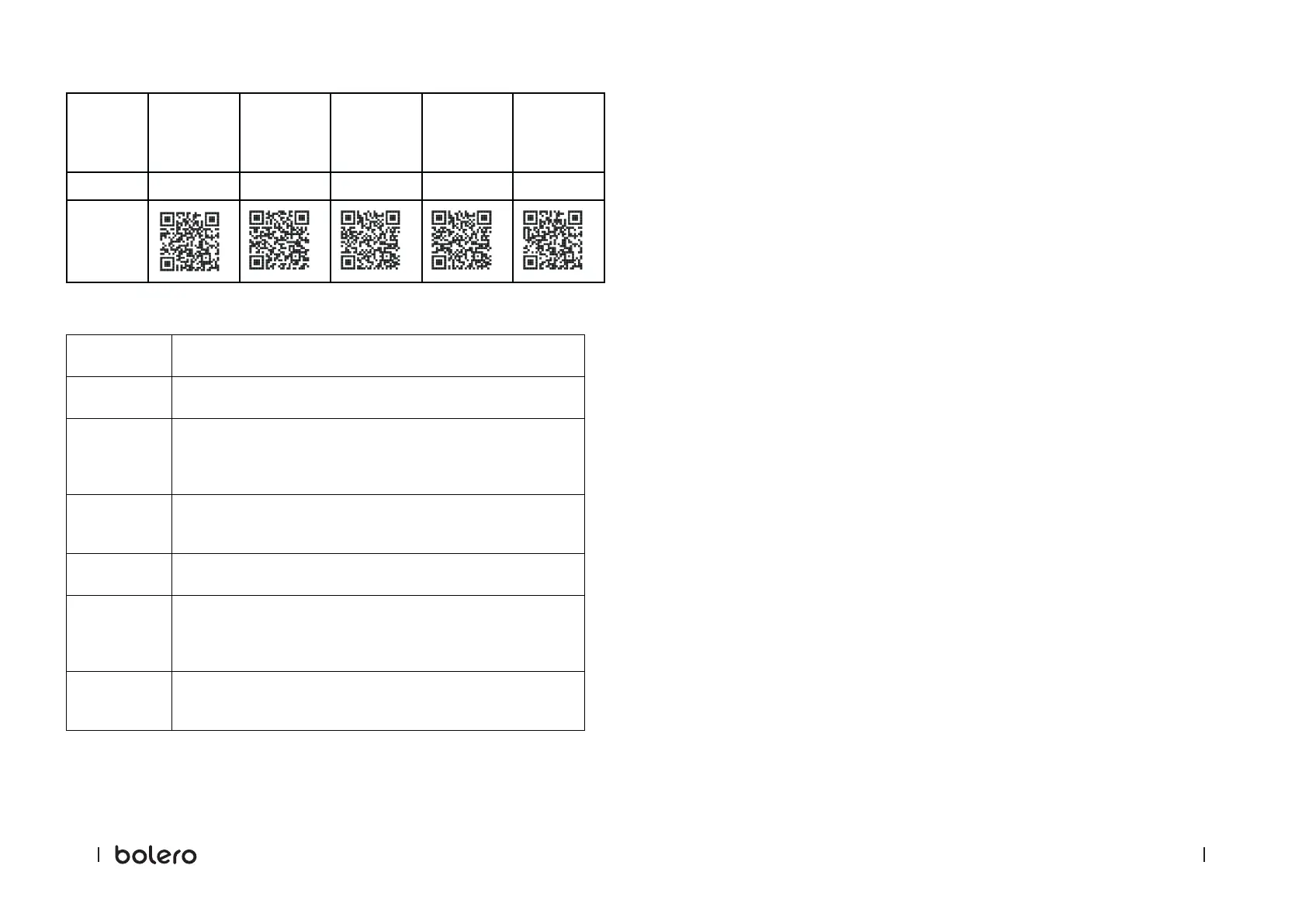
Reference: 02469
02544 02545 02546 02547
QR code
Control panel
Selection knob
Turn the knob to select a washing programme.
Display
The display shows the current programme information and estimated
time remaining, or an information code when a fault occurs.
Temperature
Press this button to change the washing-programme water
temperature. The available temperature range varies from programme
to programme.
The selected temperature will be shown on the display.
Speed
Press this button to change the spin speed of the programme. The
available spin-speed options depend on the programme.
The selected spin speed will be shown on the display.
Delay Start
Press this button repeatedly to cycle through the available options
(from 3 to 24 hours in one hour increments).
Start/Pause
Press this button to start or stop the washing process:
Press the button once to start the washing programme.
To stop the programme, press the button again.
To resume the programme, press the button again.
Power
Press this button to switch the washing machine on or o.
If you switch on the machine and do not press any button within 10
minutes, the machine will switch o automatically.
Delay Start
You can set the washing machine to automatically end washing at a specic time by choosing
a delay between 3 and 24 hours (in 1 hour increments).
1. Choose the desired programme and change the cycle settings if necessary.
2. Press the Delay Start button repeatedly until the desired end time is set.
3. Press the Start/Pause button.
4. To disable the Delay Start feature, restart the washing machine by pressing the Power
button.
Example:
Current time: 2:00 p.m.
Desired starting time: 5:00 p.m.
1. Select the washing programme.
2. Select the "Delay Start" function and set 3 hours by pressing the Delay Start button.
3. Press the Start/Pause button.
The washing machine will start operating at 5:00 p.m.
SteamMax
- This function activates along with the Intensive, Bed Linen, and AllergyCare washing
programmes (the SteamMax. icon lights up).
- The function performs extra steam-sterilisation cleaning together with the selected
washing programme.
- This function cannot be disabled.
Child Lock
- To prevent accidents, the Child Lock locks all buttons except the Power button.
- To enable or disable Child Lock, press and hold the temperature and speed buttons for 3
seconds.
- When the Child Lock is enabled, the Child Lock icon lights up.
Mute
- You can enable or disable the sound of the selection knob and all buttons.
- To enable or disable the sound, press and hold the Speed and Delay Start buttons
simultaneously for 3 seconds.
- When the sound is disabled, the Mute icon lights up.
Door Lock
- When washing starts, the door is locked, and the Door Lock icon lights up for safety
reasons.
- At the end of a washing programme and after a few seconds, the door unlocks for you to
remove the laundry.
Bekijk gratis de handleiding van Cecotec Bolero DressCode 9500 Inverter A, stel vragen en lees de antwoorden op veelvoorkomende problemen, of gebruik onze assistent om sneller informatie in de handleiding te vinden of uitleg te krijgen over specifieke functies.
Productinformatie
| Merk | Cecotec |
| Model | Bolero DressCode 9500 Inverter A |
| Categorie | Wasmachine |
| Taal | Nederlands |
| Grootte | 14941 MB |