Brandt BT710HQA handleiding
Handleiding
Je bekijkt pagina 19 van 31
18
Warning!
• To change a setting after starting the washing cycle, turn the programme dial to
the OFF position. Select the programme, the spin speed and the options again,
then press the Start / Pause button.
(Ensure that the child safety function is disabled or the initially selected programme
will continue to run.)
• Just before leaving the factory, the appliance is subject to a last check when water is
poured into the drum. Consequently, there may be water drops or condensation
inside the washing machine. This is not an indication of a malfunction.
Note!
There may be a slight smell when the appliance is started and used for the first time.
Options
Prewash
The Pre-wash option lets you perform an additional wash before the main wash.
This is a suitable option for eliminating dirt from your laundry.
You will need to place detergent in compartment (I) after choosing this option.
Rinse +
When this option is selected, your laundry will get an extra rinse.
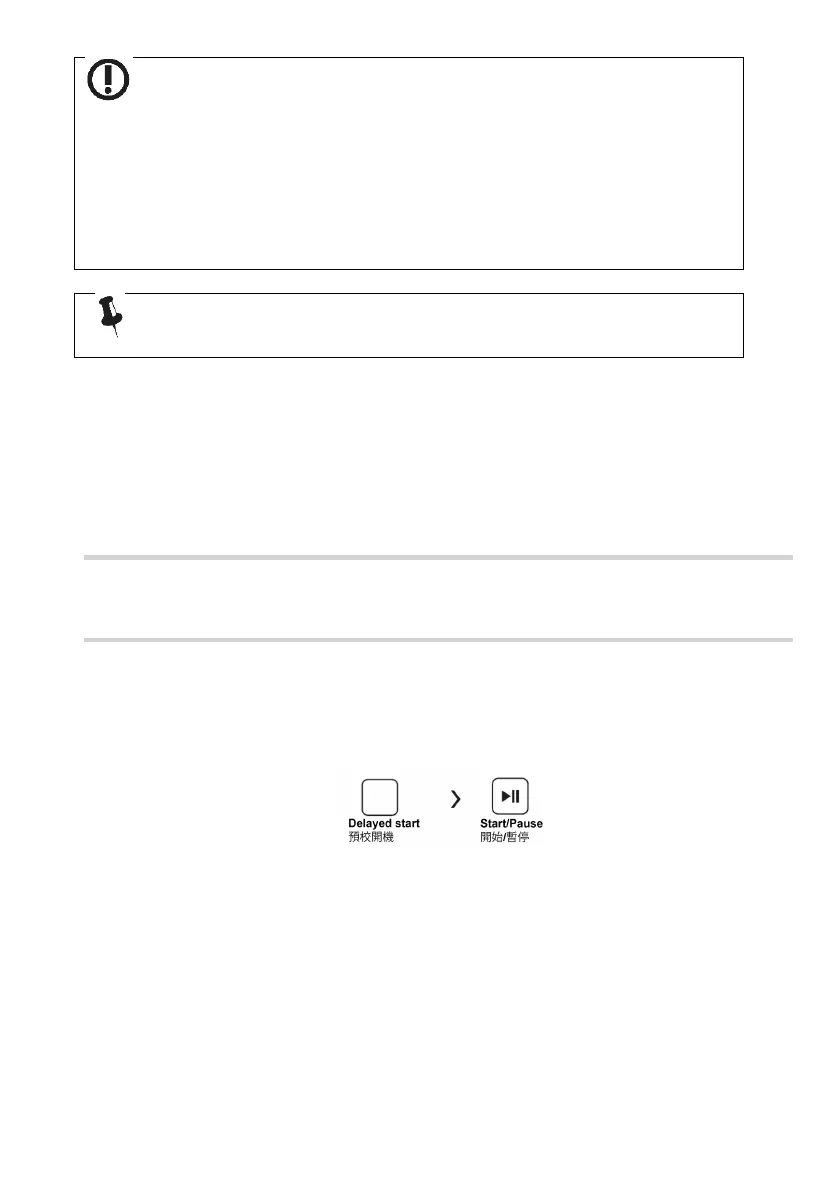
Delayed start
Select a programme and then the Delayed start function:
1. Choose the time by pressing the delayed start button (you can select a delay of 3h,
6h, 9h or 12h).
2. Press the Start/Pause button to start the Delayed start function.
Cancelling the delayed start function:
Press the Delayed start button until the LEDs concerning the delayed start go
off. This operation cannot be performed once the washing cycle is started. If
the programme has already started, place the selector in the Off position to reset
it.
Prewash
Rinse +
Delayed
start
Bekijk gratis de handleiding van Brandt BT710HQA, stel vragen en lees de antwoorden op veelvoorkomende problemen, of gebruik onze assistent om sneller informatie in de handleiding te vinden of uitleg te krijgen over specifieke functies.
Productinformatie
| Merk | Brandt |
| Model | BT710HQA |
| Categorie | Wasmachine |
| Taal | Nederlands |
| Grootte | 3060 MB |