BEKO WTIK741511 handleiding
Handleiding
Je bekijkt pagina 32 van 56
EN / 32
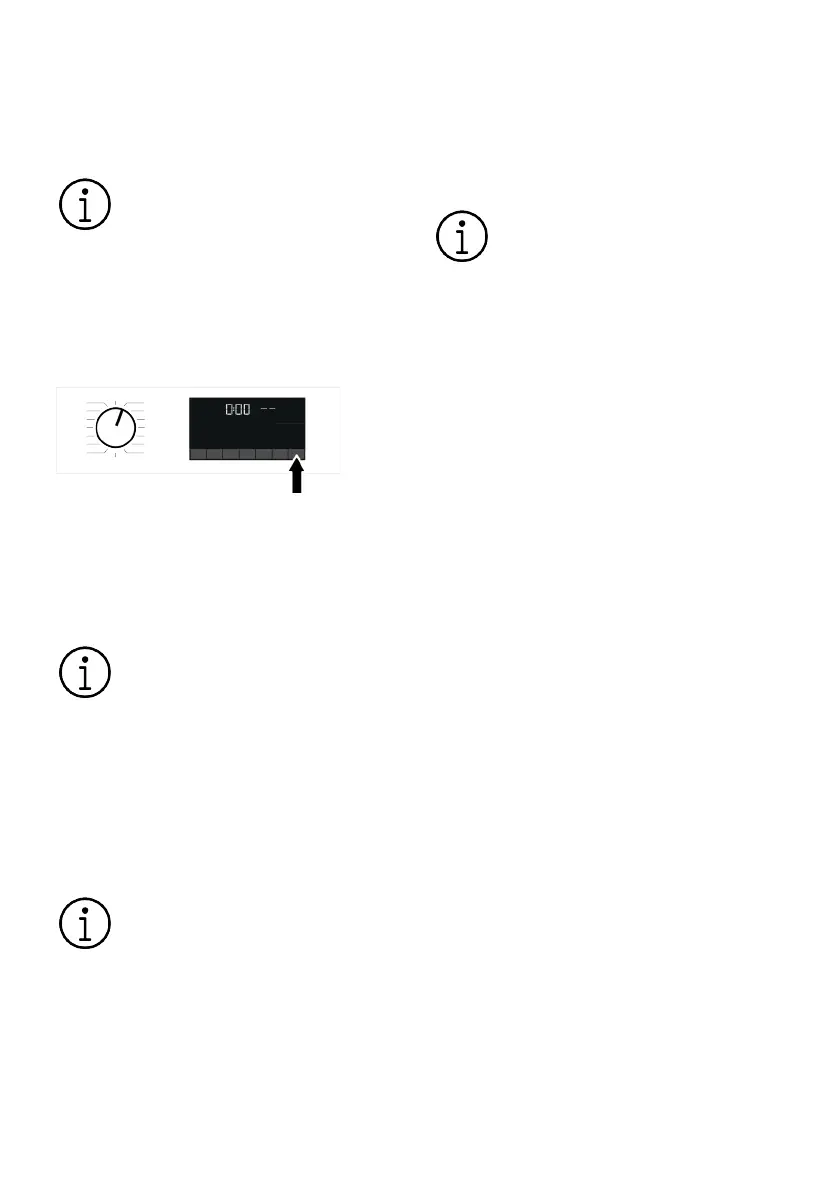
If the water level in the machine is insuffi-
cient when you press the Start/Pause but-
ton, the door lock cannot be deactivated
and the door lock icon on the display will
continue to appear.
If the water temperature inside the
machine is above 50°C, you cannot
disable the door lock for safety
reasons (even if the water level is
suitable).
Putting the machine into pause mode:
To pause the washing machine, press and
hold the Start/Pause button for 1 second.
The pause symbol will flash on the display.
Changing the program selection after the
program has started:
If Child Lock is not active, the program can
be changed while the current program is
running. This will cancel the current pro-
gram.
The selected program starts over.
Changing auxiliary function, speed and
temperature settings:
Depending on the step the program has
reached, you can disable or enable auxiliary
functions. See "Auxiliary function selection"
You can also change the spin speed and
temperature settings. See "Spin speed se-
lection" and "Temperature selection".
If the water temperature inside the
machine is high or the water level is
above the cover line, the loading
door will not open.
6.13 Cancelling the Programme
The programme is cancelled when pro-
gramme selection knob is turned to a dif-
ferent programme or product is turned off
and on again using the programme selec-
tion knob.
If you turn the programme selection
knob when the Child Lock is en-
abled, the programme will not be
cancelled. You should cancel the
Child Lock first.
If you want to open the loading
door after you have cancelled the
programme but if it is not possible
to open the loading door since the
water level in the product is above
the loading door baseline, then turn
the Programme Selection knob to
Pump+Spin programme and drain
the water in the product.
6.14 End of Programme
End symbol appears on the display when
the programme is completed.
If you do not press any button for 10
minutes, the product will switch to OFF
mode. Display and all indicators are turned
off.
Completed programme steps will be dis-
played if you press On/Off button.
6.15 Drum Illumination
Drum illumination lamp of your machine
will light up during programme selection.
The light will turn off when you start the
programme. If no programme is started or
no key is pressed within 10 minutes during
programme selection process, the drum il-
lumination lamp will turn off.
Drum illumination lamp of your machine
will light up after the programme is com-
pleted. When you turn off your machine, the
lamp turns off. The drum illumination lamp
will turn off if you do not press any button
within 10 minutes after the programme has
ended.
Bekijk gratis de handleiding van BEKO WTIK741511, stel vragen en lees de antwoorden op veelvoorkomende problemen, of gebruik onze assistent om sneller informatie in de handleiding te vinden of uitleg te krijgen over specifieke functies.
Productinformatie
| Merk | BEKO |
| Model | WTIK741511 |
| Categorie | Wasmachine |
| Taal | Nederlands |
| Grootte | 4228 MB |