Bauknecht BT95CWBS handleiding
Handleiding
Je bekijkt pagina 64 van 72
64
Dryer / User Manual
6.14 HomeWhiz Function
Firstly, the HomeWhiz application should be
installed on your phone.
The detailed information regarding the
HomeWhiz application is available on https://
www.homewhiz.com/
Turn on the Bluetooth on your phone.
Switch the unit to Off mode using the program
selection button.
Perform the following actions using the
application on your mobile device.
Devices->Add Device->Cleaning Devices-
>Dryer
Scan or type the product barcode into the app.
Continue with the installation according to the
instructions of the app on your mobile device.
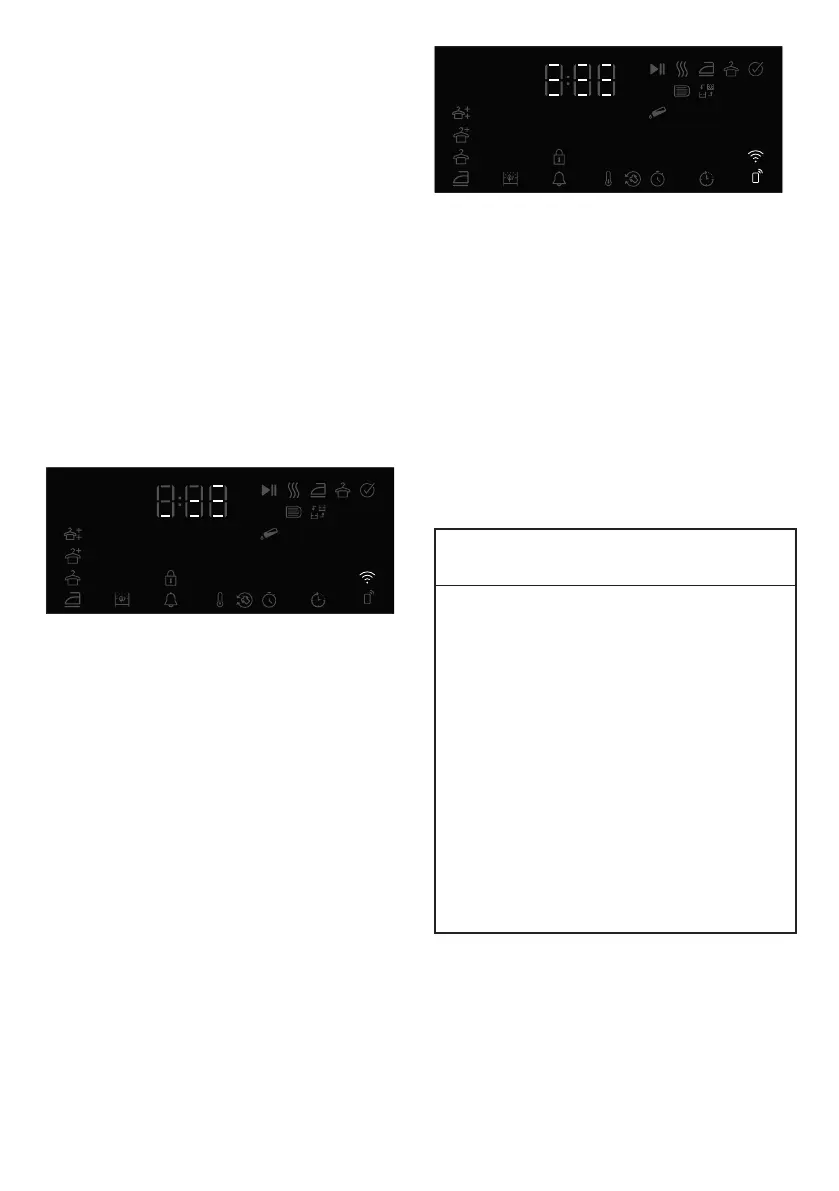
Press the “Dryness level” and “Remote control”
buttons on your device simultaneously for 3
seconds according to the app instructions. The
screen displays 3-2-1 and the following image
appears.
The product screen is closed after the
installation is completed and in the application,
it is asked to select the room where the
product will be added.
Using the remote connection:
Switch the product to Download programme
mode. If the Wi-Fi is connected, the icon
flashes.
If the Wi-Fi is disconnected, the icon does not
flash. Press the remote control button for 3
seconds to turn it on.
Press the remote control button to allow
remote control to the product while the Wi-Fi is
turned on.
When the remote control is turned on, the
unit can be controlled remotely using the
HomeWhiz app.
The detailed information regarding the
HomeWhiz application is available on https://
www.homewhiz.com/
Deleting the product from network:
Pressing and holding simultaneously Delay and
Wi-Fi buttons for 5 seconds while the product
is turned on, it counts down from 5 to appear
on the screen. when the beep is heard, the
product is deleted from network and the Wifi is
turned off.
A
WARNING!
• When the door is opened, the remote
control turns off.
• When the programme button is turned,
the remote control turns off.
• If the WIFI icon is illuminated
continuously, it means that it is active and
connected to network
• If the WIFI icon is flashing continuously,
it means that it is active and trying to
connect to network. You cannot connect
to the product unless it is illuminated
continuously.
• The connection to the product is allowed
if the remote control icon is active and
the WIFI icon is illuminated continuously.
Bekijk gratis de handleiding van Bauknecht BT95CWBS, stel vragen en lees de antwoorden op veelvoorkomende problemen, of gebruik onze assistent om sneller informatie in de handleiding te vinden of uitleg te krijgen over specifieke functies.
Productinformatie
| Merk | Bauknecht |
| Model | BT95CWBS |
| Categorie | Wasmachine |
| Taal | Nederlands |
| Grootte | 6488 MB |