Asko WMC6863P/1 handleiding
Handleiding
Je bekijkt pagina 25 van 56
25
6. Start delay
Press the button 6 to choose the delayed start when you wish the washing program to start after a certain
period of time (30´ to 24 hours after you press the Start button).
The estimated time remaining until the end of the washing program will be indicated above the button 6.
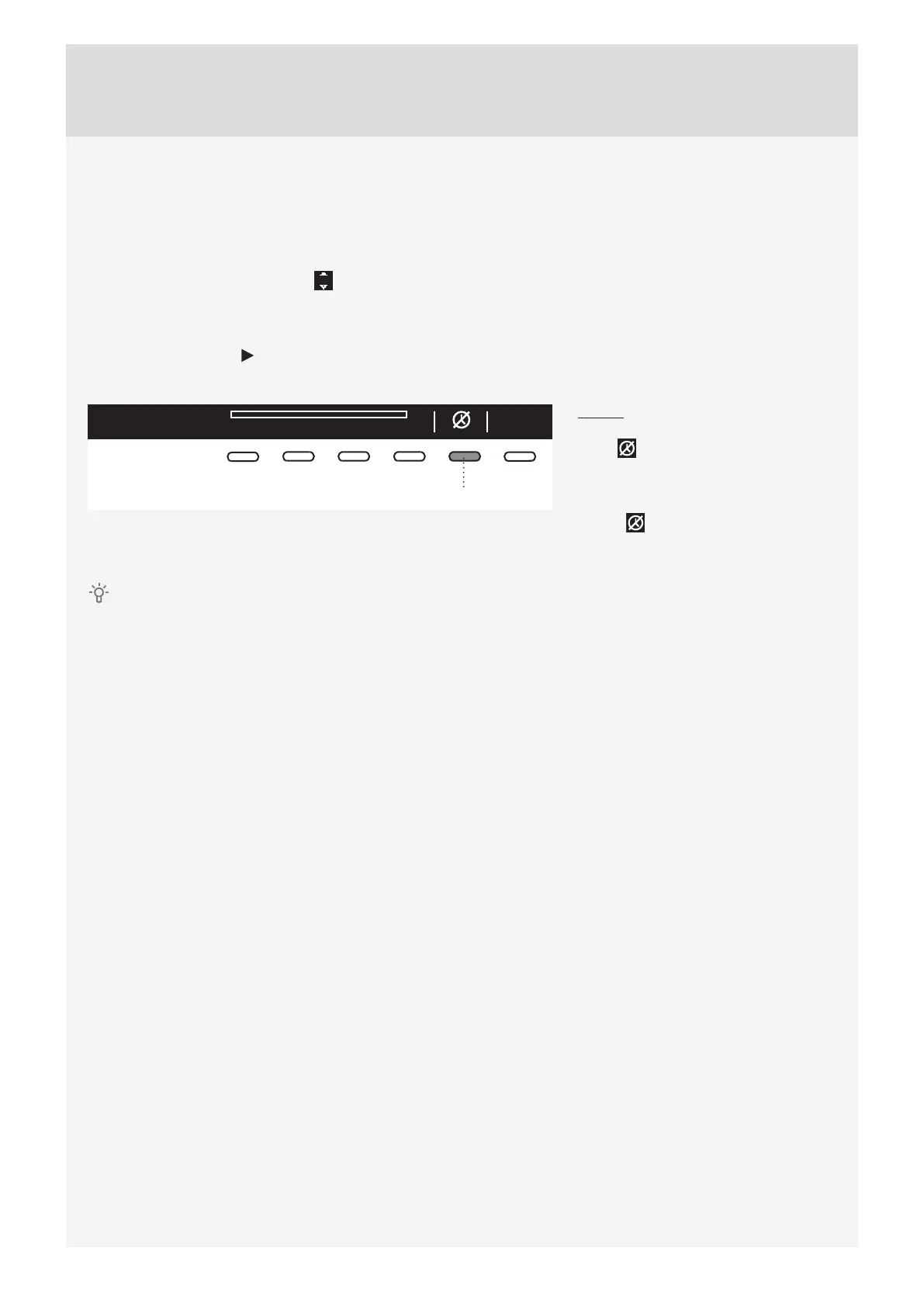
Press the button 6 for the arrows to appear.
Use the Program selector knob or the button 6 to set the delay from 30´ to 6 hours in 30-minute steps, and
then from 6 hours to 24 hours in 1-hour steps.
Press the button 5 (OK) to confi rm your selection.
Press the Start button to start.
When the countdown reaches zero, the selected washing program will start automatically.
03:50
5
To cancel the delay and start the
washing process immediately, press the
button 5 .
When Start delay time is once set, it
is not possible to change it; the only
possibility is to »Skip it « with pressing
on button
and immediately continue
with chosen program.
If you have set the delayed start function and you are using liquid detergent, we do not recommend
choosing a programme with a pre-wash cycle.
Bekijk gratis de handleiding van Asko WMC6863P/1, stel vragen en lees de antwoorden op veelvoorkomende problemen, of gebruik onze assistent om sneller informatie in de handleiding te vinden of uitleg te krijgen over specifieke functies.
Productinformatie
| Merk | Asko |
| Model | WMC6863P/1 |
| Categorie | Wasmachine |
| Taal | Nederlands |
| Grootte | 5436 MB |