AEG LWR8516L6UD handleiding
Handleiding
Je bekijkt pagina 19 van 60
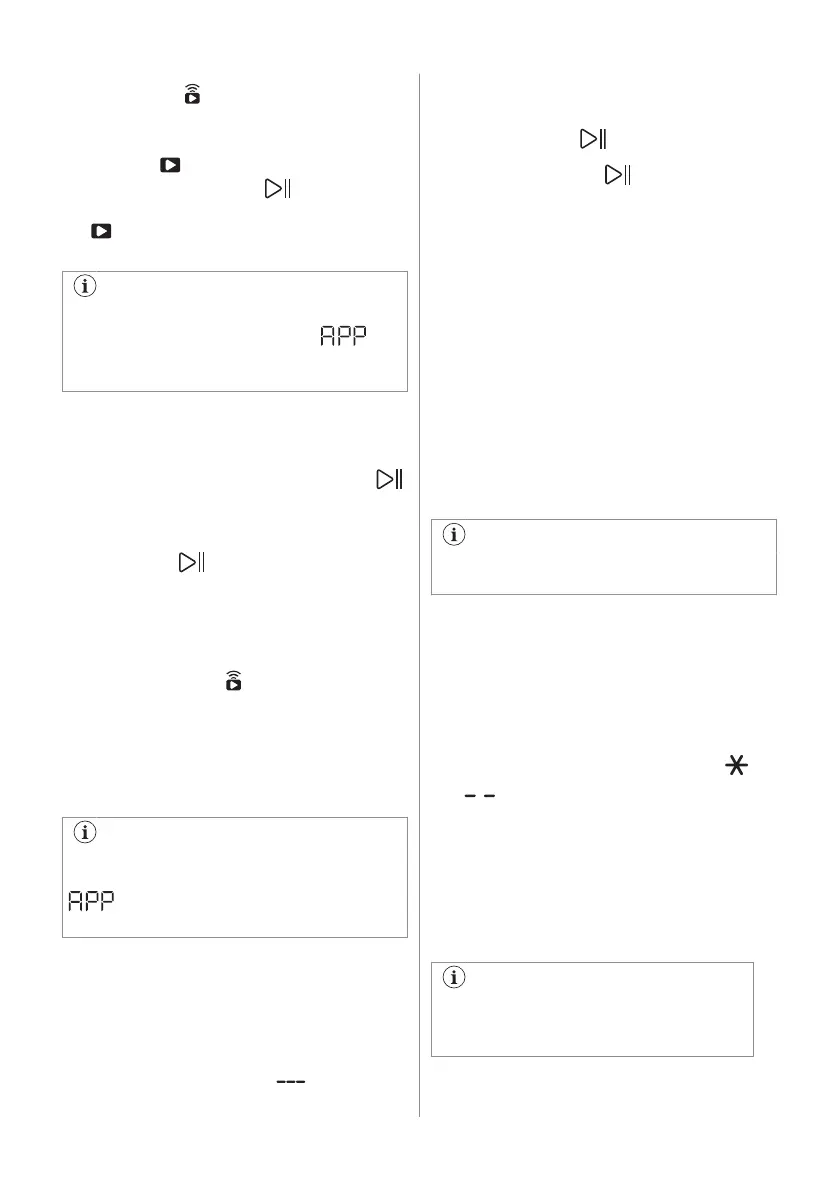
Remote start
To activate it:
1. Touch the Finish In button. The remote
indicator starts blinking.
2. Touch the Start/Pause button within
3 seconds to confirm it. The related icon
appears steadily on display and the
door is locked.
If you set a program via App and it does
not match with the knob position,
text appears alternating with program
duration.
The remote start can be deactivated in
different ways:
• before the cycle has started: touch this
button and then press the Start/Pause
button within 3 seconds: the door
unlocks;
• after the cycle has started: press the
Start/Pause button - the door unlocks -
and then touch this button;
• switch the appliance on and off;
• at the end of the cycle, when the door
unlocks.
7.7 Remote start
A quick touch of this button activates the
Remote Start function that allows you to start,
pause and stop the appliance remotely.
The related led comes on and the related
icon appears on display.
If you set a programme via App and it
does not match with the knob position,
text appears alternating with
programme duration.
Press and hold this button for longer time to
provide two other functions:
• hold it down for 3 seconds as long as a
click sounds: the Wi-Fi is turned on and
off.
• hold it down for 10 seconds as long as a
double beep sounds and appears on
the display: to reset the Network
Credentials.
7.8 Start/Pause
Touch the Start/Pause button to start,
pause the appliance or interrupt a running
programme.
7.9 Time Save
With this option you can decrease the
programme duration.
• If your laundry is normally or lightly soiled,
it may be advisable to shorten the washing
programme. Touch this button once to
decrease the duration.
• In case of smaller load, touch this button
twice to set an extra quick programme.
In this case, the temperature 95°C is not
selectable.
The LED of the button is on and the display
shows the set programme duration.
This option can also be used to shorten
the steam mode duration.
7.10 Temperature
When you select a washing programme, the
appliance automatically proposes a default
temperature.
Touch this button repeatedly until the desired
temperature value appears on the display.
When the display shows the indicators
and , the appliance does not heat the
water.
7.11 Spin
When you set a programme, the appliance
automatically selects the default spin speed.
Touch this button repeatedly to:
• Change the spin speed.
The display shows only the spin
speeds available for the set
programme.
• Activate the Rinse Hold option .
ENGLISH 19
Bekijk gratis de handleiding van AEG LWR8516L6UD, stel vragen en lees de antwoorden op veelvoorkomende problemen, of gebruik onze assistent om sneller informatie in de handleiding te vinden of uitleg te krijgen over specifieke functies.
Productinformatie
| Merk | AEG |
| Model | LWR8516L6UD |
| Categorie | Wasmachine |
| Taal | Nederlands |
| Grootte | 5500 MB |