AEG LFR95166UU handleiding
Handleiding
Je bekijkt pagina 32 van 56
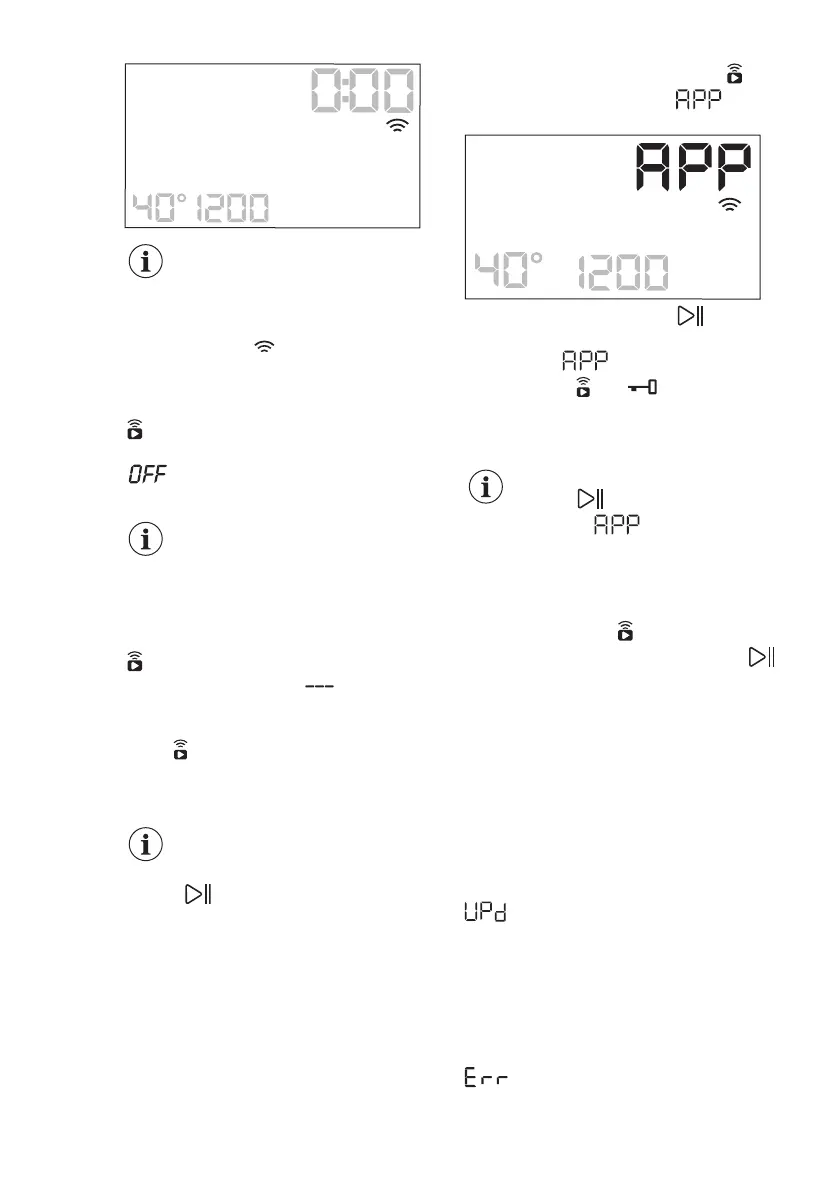
Every time you switch the
appliance on, the appliance
takes about 10 seconds to
connect to the network
automatically. When the
indicator stops blinking
the connection is ready.
To switch the wireless connection off,
press and hold the Дистанційний пуск
button for a few seconds until the first
acoustic signal. Release the button.
appears on the display for 5
seconds.
If you switch the appliance
off and on again, the
wireless connection is
automatically off.
To remove the wireless credentials,
press and hold the Дистанційний пуск
button for a few seconds until the
second acoustic signal: appears on
the display for a few seconds.
12.4 Remote Start
The Remote Start enables you to start a
cycle in remote control.
The Remote Control
activates automatically when
you press the Старт/Пауза
button to start the
programme, but it is also
possible to start a washing
programme remotely. This
function is deactivated when
door is open.
When the App is installed and the
wireless connection is complete, you can
activate the Remote Start:
1. Touch the Дистанційний пуск
button and the indicator blinks
on the display for a few seconds.
2. Touch the Старт/Пауза button to
activate the Remote Start before the
indicator stops blinking.
The indicators and appear on the
programme summary screen and the
door is locked. Now it is possible to start
the programme remotely.
When touching the Старт/
Пауза button after the
indicator stops
blinking, the Remote Start is
not activated, but the set
programme starts.
To remove the Remote Start, tap on the
Дистанційний пуск
button and
confirm by pressing the Старт/Пауза
button.
12.5 Over-the-air update
The App may propose an update for your
appliance.
The update is accepted via App only.
If a programme is running, the App
notifies that the update will start at the
end of the programme.
During the update, the appliance shows
in the display.
Do not switch off or unplug the appliance
during update.
The appliance will usable again at the
end of the update, without any
notification about successful update.
If an error occurs, the appliance shows
in the display: just press any
buttons or turn the knob to return to
normal use.
www.aeg.com32
Bekijk gratis de handleiding van AEG LFR95166UU, stel vragen en lees de antwoorden op veelvoorkomende problemen, of gebruik onze assistent om sneller informatie in de handleiding te vinden of uitleg te krijgen over specifieke functies.
Productinformatie
| Merk | AEG |
| Model | LFR95166UU |
| Categorie | Wasmachine |
| Taal | Nederlands |
| Grootte | 5625 MB |